Start Menu Options
Start Menu Options
The following options represent the factory default program installation. Your system may be different based on the
software and hardware options purchased.
Use the up and down arrow keys on the MX7 Tecton to quickly scroll through the icons,
or,
using screen touch gestures, brush the window up or down with a finger or the stylus.
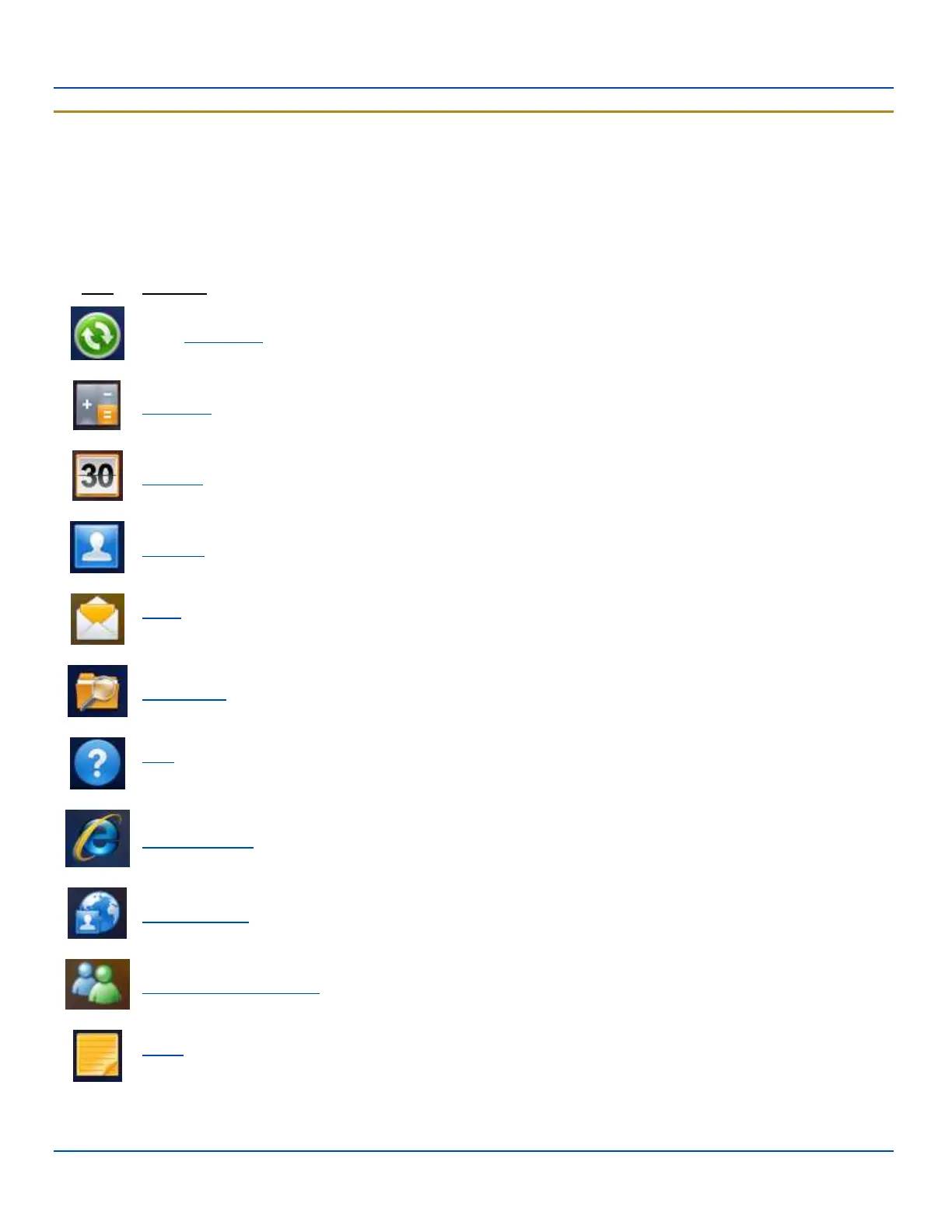
Icon Function
Basic ActiveSync configuration, including synchronization with an Exchange server.
Calculator
Calendar/date book application. Can be synchronized with PC Outlook calendar using ActiveSync.
Contacts. Address book application. Can be synchronized with PC Outlook address book using ActiveSync.
Email application. Can be synchronized with PC Outlook email using ActiveSync or it can synchronize with an
Exchange server.
File Explorer. Displays a structured picture of files on the system.
Help. Access Windows Mobile help system on the MX7 Tecton. Options to search using Windows Live Search
are available.
Internet Explorer. Access web pages on the Internet.
Internet Sharing. Setup PC Connection and Network Connection.
Windows Live Messenger. Instant Messaging service. Internet access required.
Notes. Notebook application. Select Menu | View Recording Toolbar to create an audio note. Can be
synchronized with PC Outlook notes using ActiveSync.
E-EQ-MX7WMRG-A [ 38 ] MX7 Tecton™ for Windows Mobile Reference Guide



 To Next Page