Advanced
Advanced
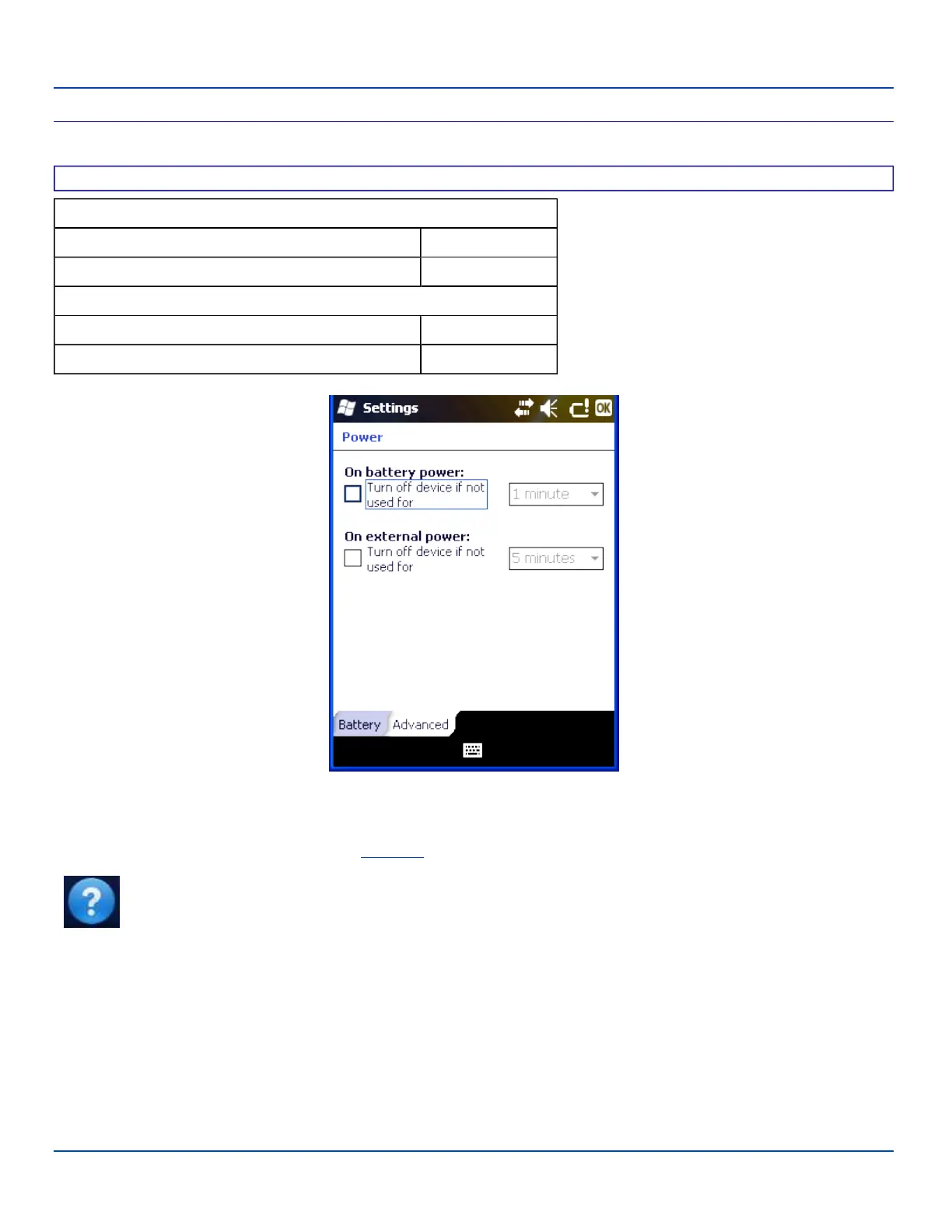
Factory Default Settings
On battery power:
Turn off device if not used for Enabled
Timer setting 1 minute
On external power:
Turn off device if not used for Enabled
Timer setting 5 minutes
Power Settings – Advanced Panel
Select the inactivity timeout period before the MX7 Tecton goes into suspend. The settings on this panel are for the suspend
timers only. Backlight timers are set using the Backlight settings panel.
Note: Tap Start | Help for context sensitive Windows Mobile Help when changing or viewing options. Tap the
X icon in the top right corner to close Windows Mobile Help.
E-EQ-MX7WMRG-A [ 52 ] MX7 Tecton™ for Windows Mobile Reference Guide



 To Next Page