Settings
Settings
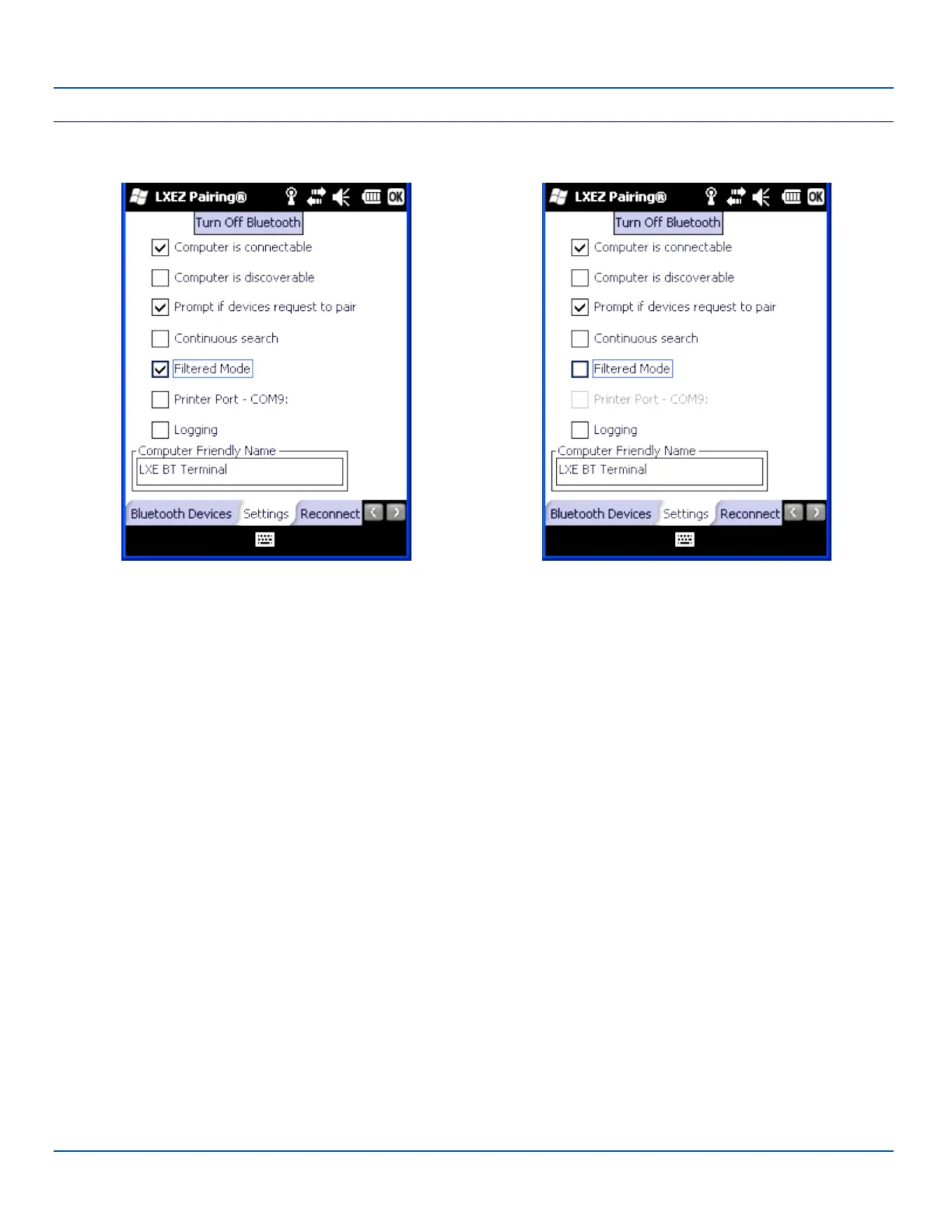
Filtered Mode On Filtered Mode Off
Bluetooth Device Settings Panel
Note: These options can still be checked or unchecked whether Bluetooth connection is enabled or disabled.
Turn On Bluetooth
Tap the button to toggle the Bluetooth client On or Off. The button title changes from Turn Off Bluetooth to Turn On Bluetooth.
Default
The default value is Disabled (Bluetooth client is off).
E-EQ-MX7WMRG-A [ 79 ] MX7 Tecton™ for Windows Mobile Reference Guide



 To Next Page