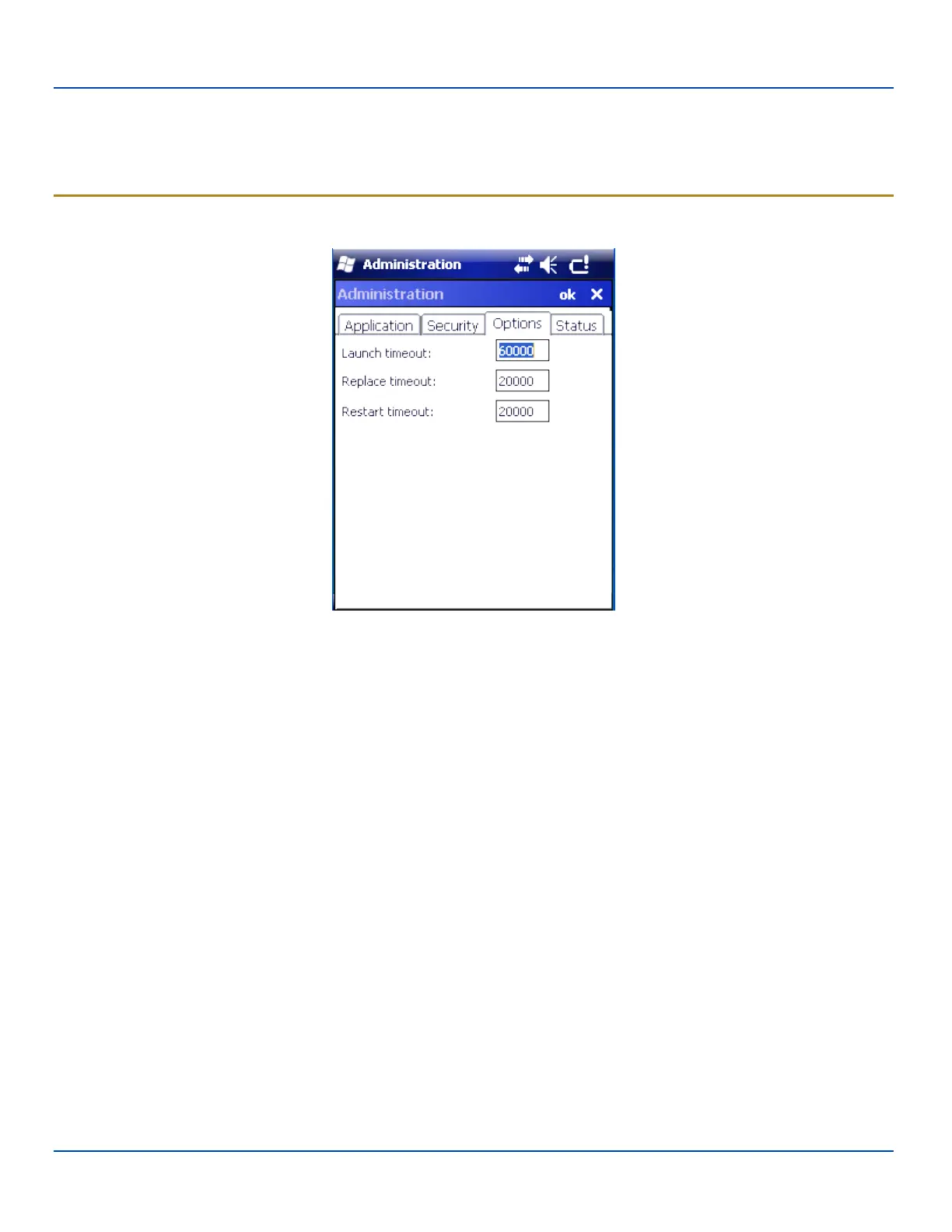
Options Panel
When the user exits the Administrator panel, the two passwords are compared to verify that they match. If they do not match, a
dialog box is displayed notifying the user of the error. After the user closes the dialog box, the Security Panel is displayed and
the password can then be entered and confirmed again. If the passwords match, the password is encrypted and saved.
See "Passwords" on page 182
Options Panel
Options Panel
AppLock uses 3 timeout values when locking applications:
Launch timeout -- the time to wait for an application to initially launch before timing out. Default value is 60000 milliseconds (60
seconds).
Replace timeout -- the time to wait for an application to replace the current window with another one before timing out. Default
value is 20000 milliseconds (20 seconds).
Restart timeout -- the time to wait for an application to restart itself before timing out. Default value is 20000 milliseconds (20
seconds).
E-EQ-MX7WMRG-A [ 192 ] MX7 Tecton™ for Windows Mobile Reference Guide



 To Next Page