Intermediate
Intermediate
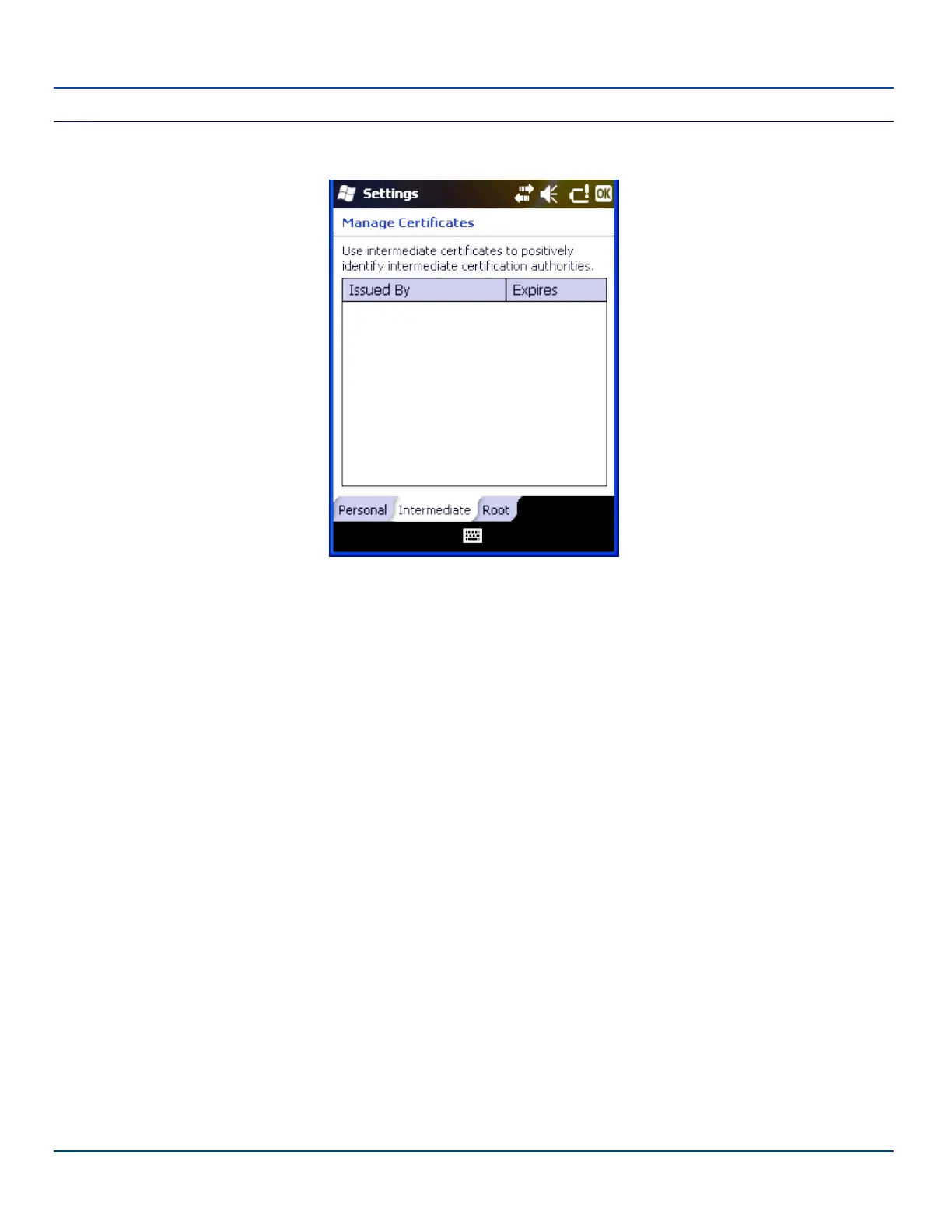
Certificate Settings – Intermediate Panel
This panel lists any installed Intermediate certificates. Intermediate certificates are used to help authenticate certificates
received from other hosts.
To install an Intermediate certificate:
1. Copy a DER-encoded .cer file, a base64-encoded .cer file or a .pfx file to a folder on the MX7 Tecton.
2. Use File Explorer to browse to the location of the file and open the file by tapping the file name.
The new certificate is copied to Intermediate certificate store on the MX7 Tecton.
E-EQ-MX7WMRG-A [ 90 ] MX7 Tecton™ for Windows Mobile Reference Guide



 To Next Page