Exit
Exit
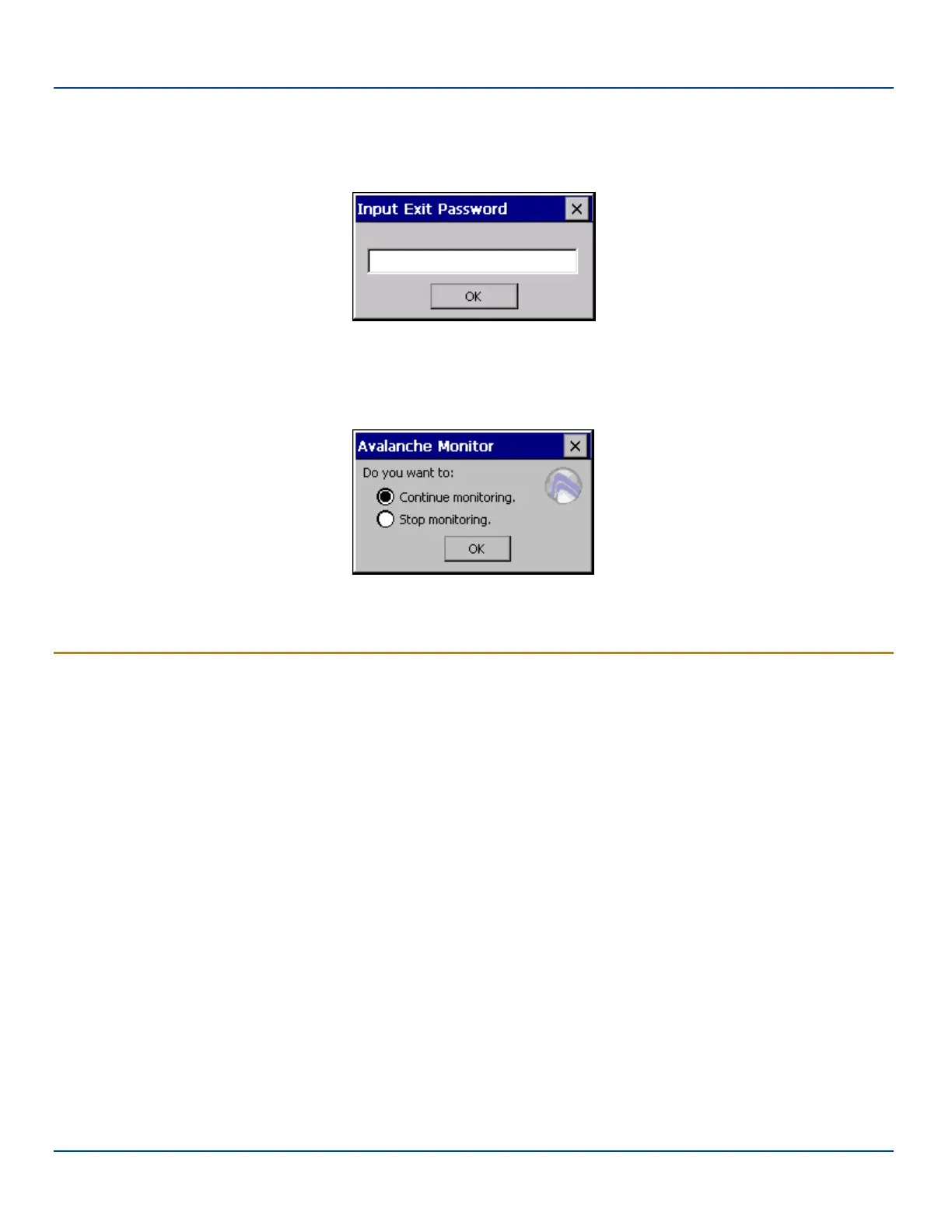
The Exit option is password protected. The default password is leave. The password is not case-sensitive.
Exit Password
If changes were made on the MX7 Tecton Startup/Shutdown tab screen, then after entering the password, tap OK and the
following screen is displayed:
Continue or Stop Monitoring
Change the option if desired. Tap the X button to cancel Exit. Tap the OK button to exit the Avalanche applet.
Using Remote Management
1. Configure the radio to connect to the network running the Mobile Device Server. After the MX7 Tecton is connected, pro-
ceed to step 2.
2. If it is desired to configure the radio using the Summit package, add the configured package to the Wavelink Avalanche
MC Console and enable it.
3. Verify RMU.CE.CAB exists in the \System\RMU folder.
4. Double click the MX7 Tecton enabler CAB file in the \System folder.
5. The enabler automatically launches after installation and contacts the Mobile Device Server. The Avalanche MC Con-
sole connected to that Mobile Device Server identifies the remote device and performs a sync. This downloads any
available packages available for the MX7 Tecton.
E-EQ-MX7WMRG-A [ 242 ] MX7 Tecton™ for Windows Mobile Reference Guide



 To Next Page