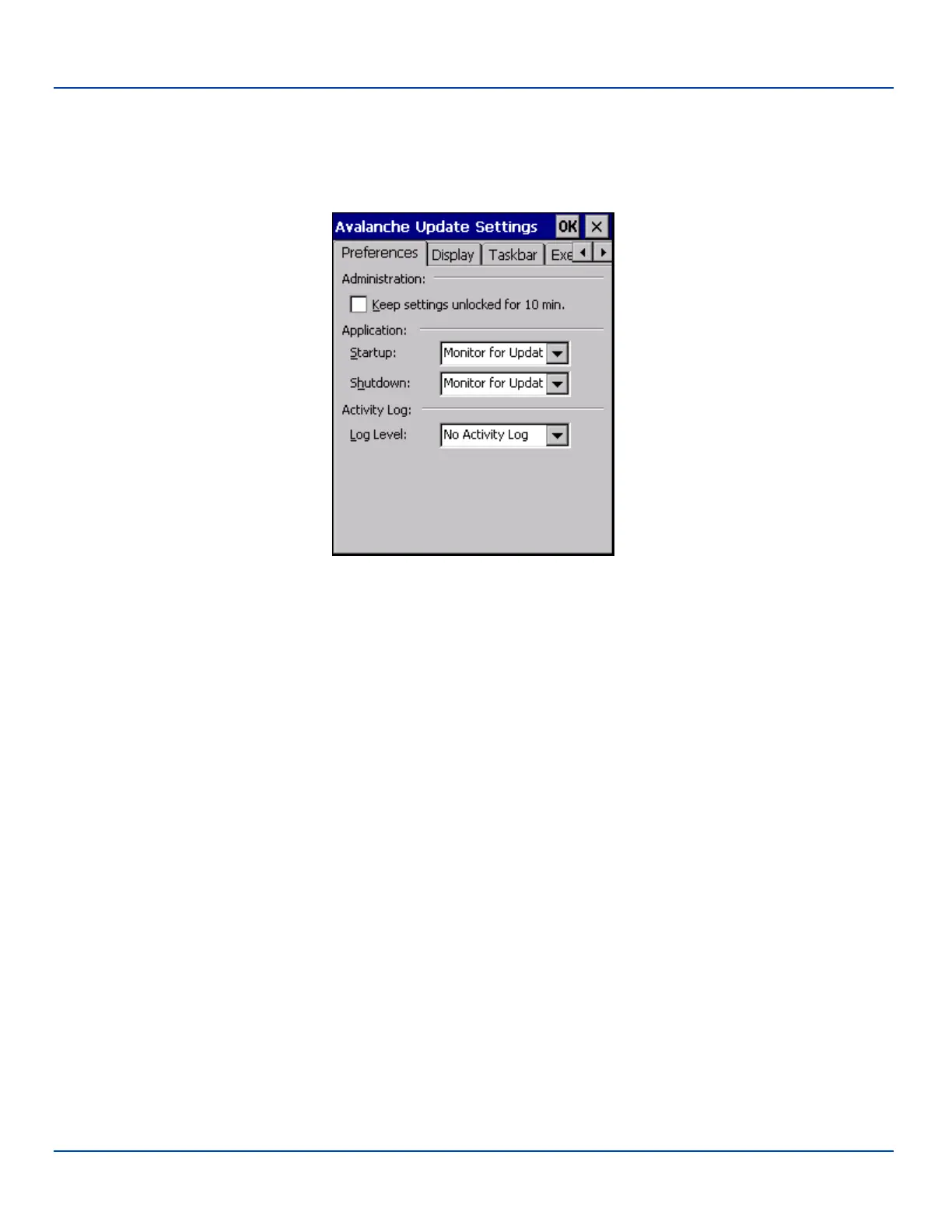
Preferences
Preferences
LXE recommends using LXE AppLock to manage the taskbar. AppLock is resident on each mobile device with a Windows CE
OS.
Preferences Options
Administration
By default, Keep settings unlocked for 10 minutes is disabled (checkbox is blank).
Application
Default value - Monitor for Updates
The following options are available for startup and shutdown monitoring:
l Do not Monitor - When the device boots, do not launch the Enabler application and do not attempt to connect to the
Mobile Device Server. (Startup only).
l Monitor for Updates - Attempt to connect to the Mobile Device Server and process any updates that are available. Do
not launch the Enabler application.
l Launch User Interface - Attempt to connect to the Mobile Device Server and process any updates that are available.
Launch the Enabler application. (Startup only).
l Exit Application - The system administrator can control whether the Enabler continues to monitor the Mobile Device
Server for updates once the Enabler application is exited. (Shutdown only).
Activity Log
Default value - No Activity Log
Use this option to control the level of log kept while Enabler is running.
E-EQ-MX7WMRG-A [ 233 ] MX7 Tecton™ for Windows Mobile Reference Guide



 To Next Page