Advanced (HHP Only)
Advanced (HHP Only)
The Advanced button is only available if an HHP Imager is enabled. Because the HHP imager does not support configuration
barcodes, the Advanced function allows configuration parameters to be set for many of the supported barcodes.
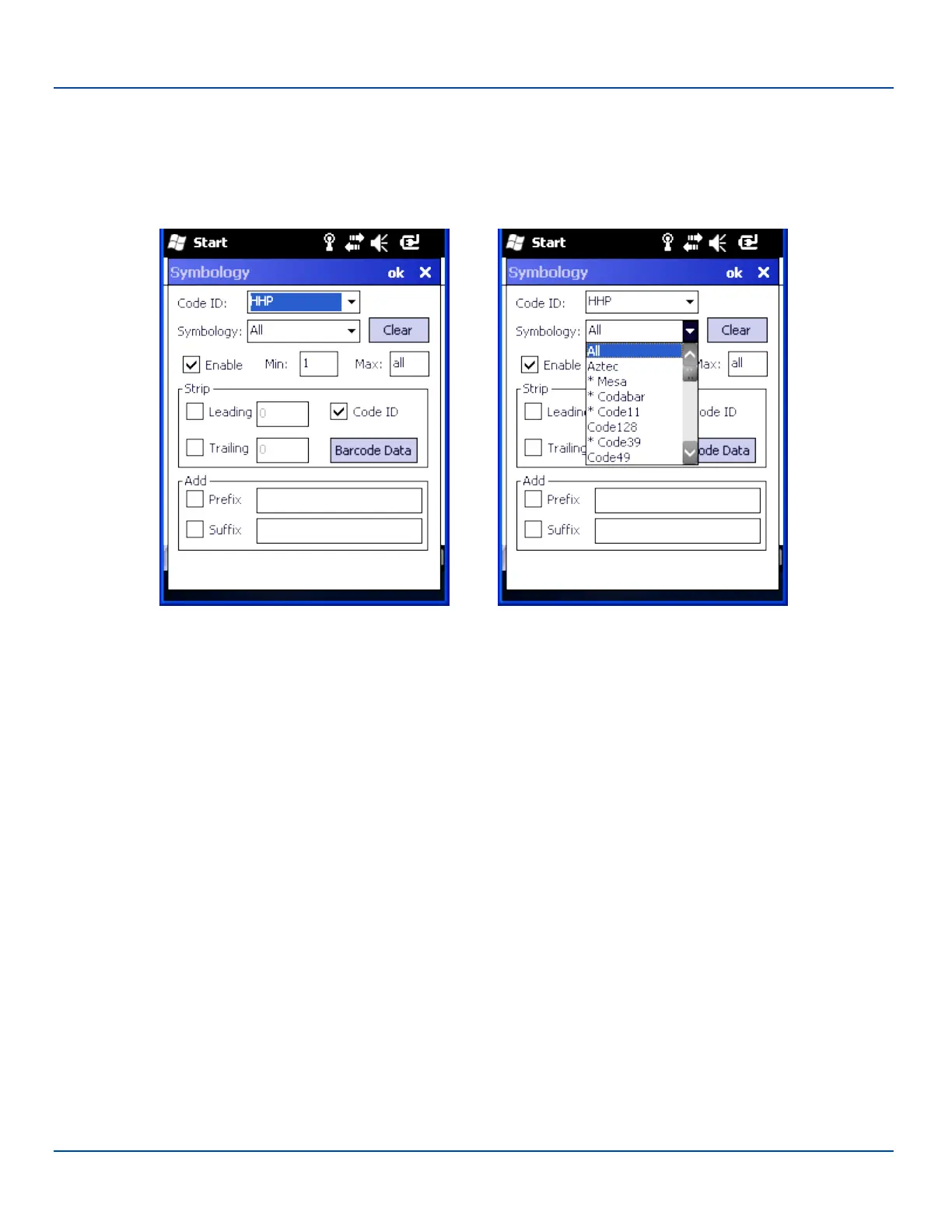
Symbology Settings for HHP
If there are advanced configuration options for the selected symbology, an Advanced button is displayed in the lower right
corner of the panel. Not all barcode symbologies have configuration parameters so the Advanced button is not present for all
symbologies.
The chart below lists the symbologies and advanced configuration parameters available for that symbology. If a symbology is
not listed, it does not have any advanced configuration parameters.
E-EQ-MX7WMRG-A [ 111 ] MX7 Tecton™ for Windows Mobile Reference Guide



 To Next Page