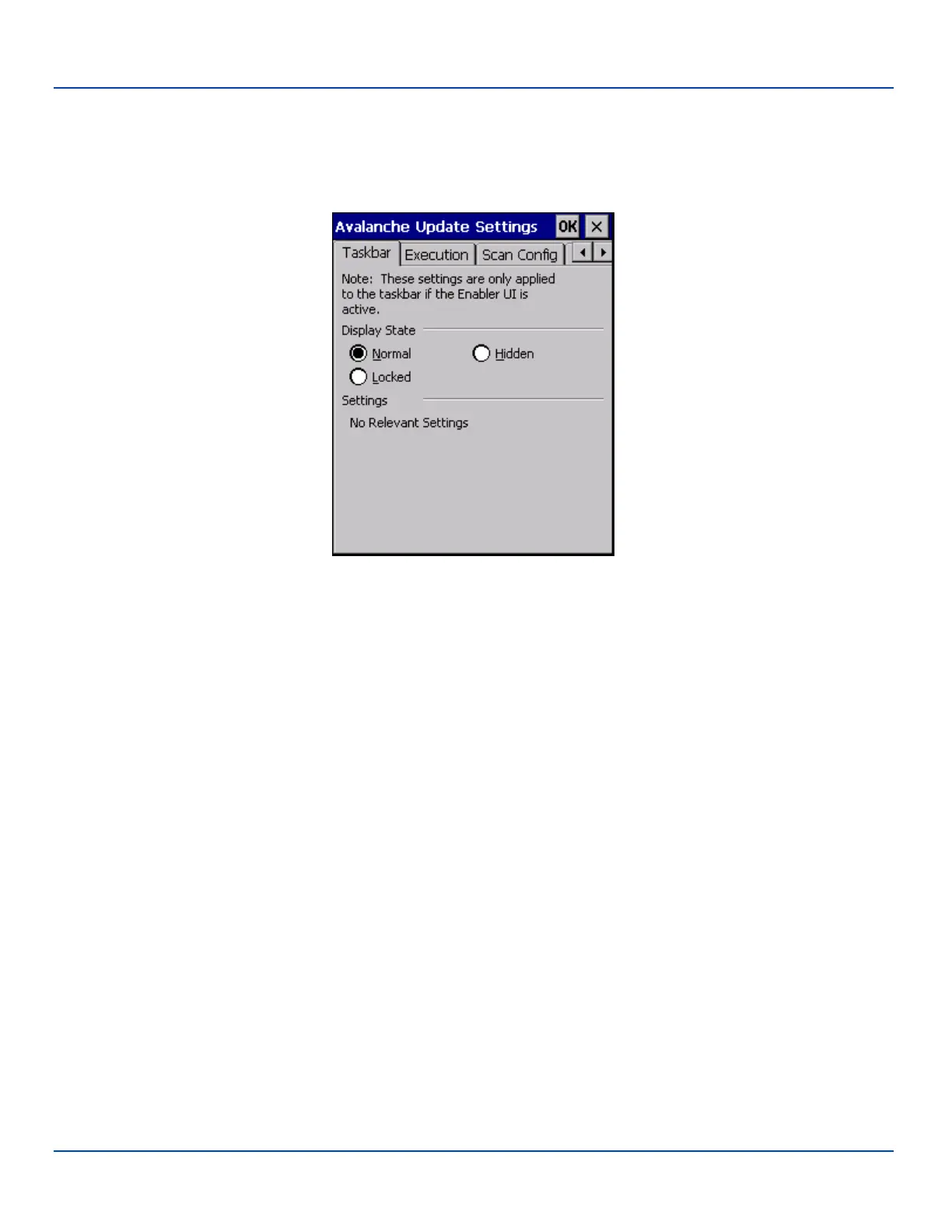
Taskbar
Taskbar
LXE recommends using LXE AppLock to manage the taskbar. AppLock is resident on each mobile device with a Windows CE
OS (with the exception of the HX3). AppLock configuration instructions are located in the MX7 Tecton reference guide.
Taskbar Options
The Display State options control the appearance of the taskbar while using the Enabler interface.
l Normal - taskbar is visible, taskbar icons function normally.
l Hidden - taskbar is not displayed
l Locked - taskbar is visible, but most icons are hidden or for information only.
E-EQ-MX7WMRG-A [ 234 ] MX7 Tecton™ for Windows Mobile Reference Guide



 To Next Page