Generating a User Certificate
Generating a User Certificate
The easiest way to get the user certificate is to use the browser on a PC to navigate to the Certificate Authority. To request the
user certificate, open a browser to
http://<CA IP address>/certsrv.
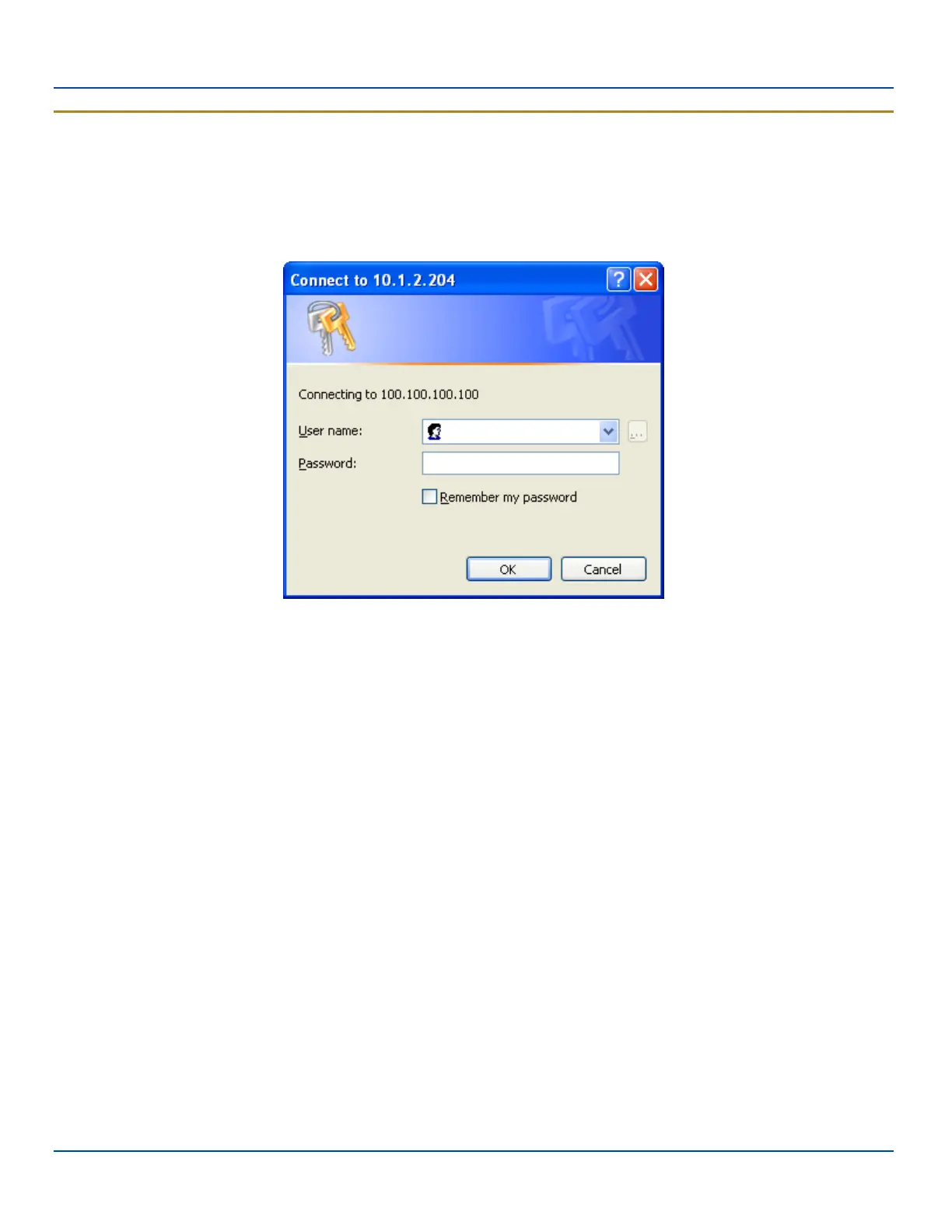
Sign into the CA with the username and password of the person who will be logging into the mobile device.
Logon to Certificate Authority
This process saves a user certificate file. There is no separate private key file as used on Windows CE devices.
E-EQ-MX7WMRG-A [ 296 ] MX7 Tecton™ for Windows Mobile Reference Guide



 To Next Page