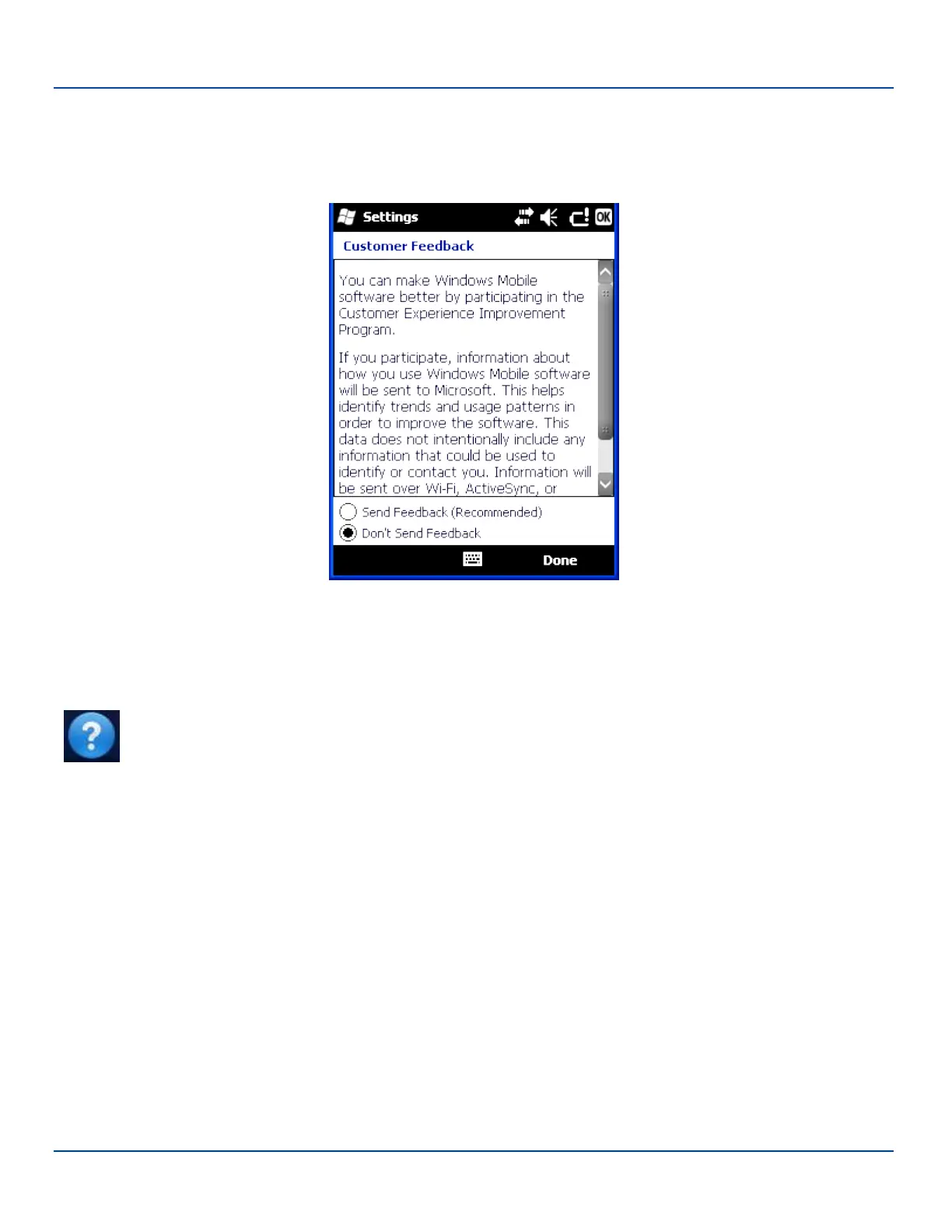
Customer Feedback
Customer Feedback
Start | Settings | System | Customer Feedback
Customer Feedback Settings
Elect to send feedback as part of Microsoft’s Customer Experience Improvement Program. The default is Don't Send
Feedback.
In order to send feedback, the MX7 Tecton must have Internet access.
Note: Tap Start | Help for context sensitive Windows Mobile Help when changing or viewing options. Tap the
X icon in the top right corner to close Windows Mobile Help.
E-EQ-MX7WMRG-A [ 92 ] MX7 Tecton™ for Windows Mobile Reference Guide



 To Next Page