File Menu Options
File Menu Options
Connect
The Connect option under the File menu allows the user to initiate a manual connection to the Mobile Device
Server. The connection methods, by default, are wireless and COM connections. Any updates available will be
applied to the MX7 Tecton immediately upon a successful connection.
Scan
Config
Note: LXE does not support the Scan Configuration feature. The Scan Config option under the File menu allows
the user to configure Enabler settings using a special barcode that can be created using the Avalanche MC
Console utilities. Refer to the Wavelink Avalanche Mobility Center User Guide for details.
Settings
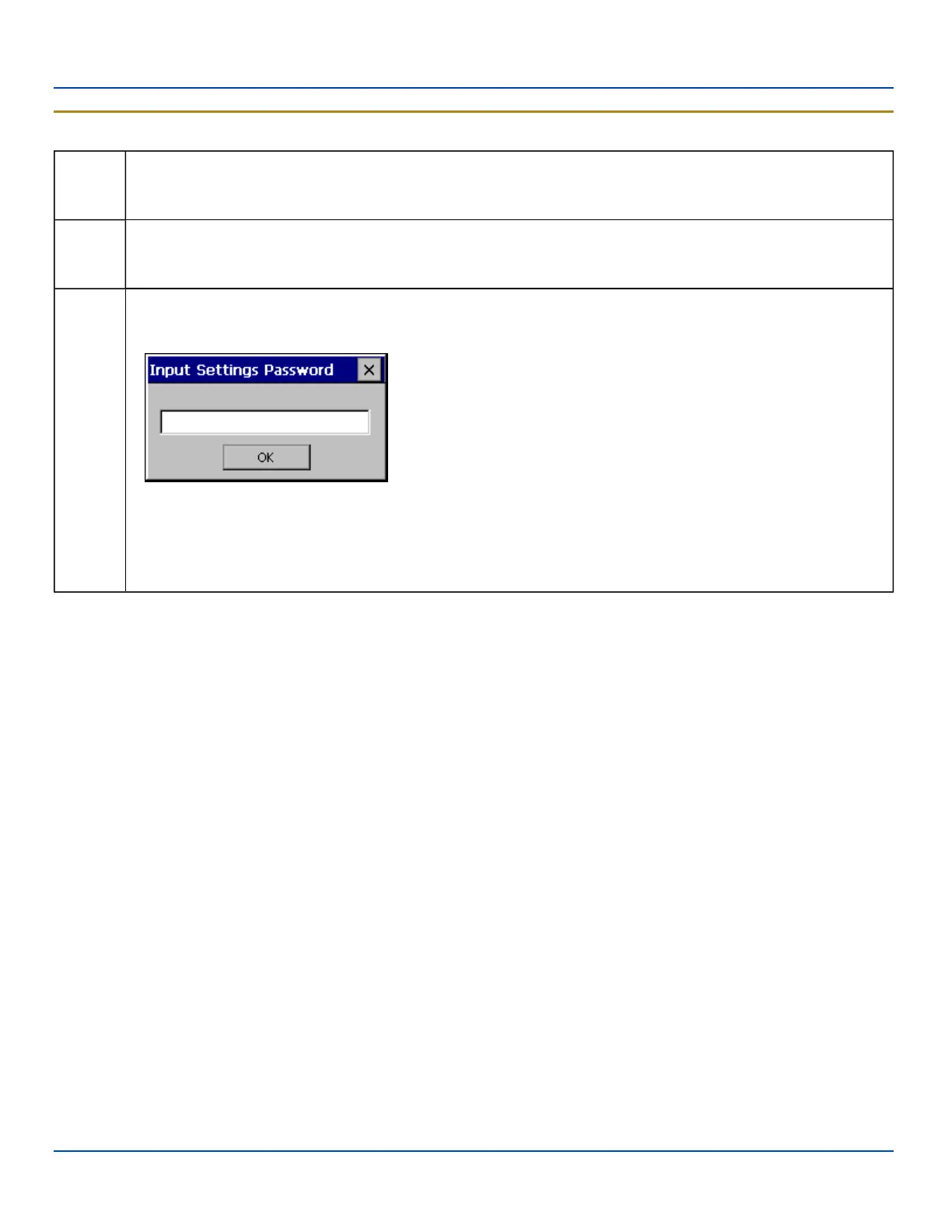
The Settings option under the File menu allows the MX7 Tecton user to access the control panel to locally
configure the Enabler settings. The Enabler control panel is, by default, password protected.
The default Settings password is
system
The password is not case-sensitive.
E-EQ-MX7WMRG-A [ 228 ] MX7 Tecton™ for Windows Mobile Reference Guide



 To Next Page