Peripherals
Peripherals
Start | Settings | System | Peripherals
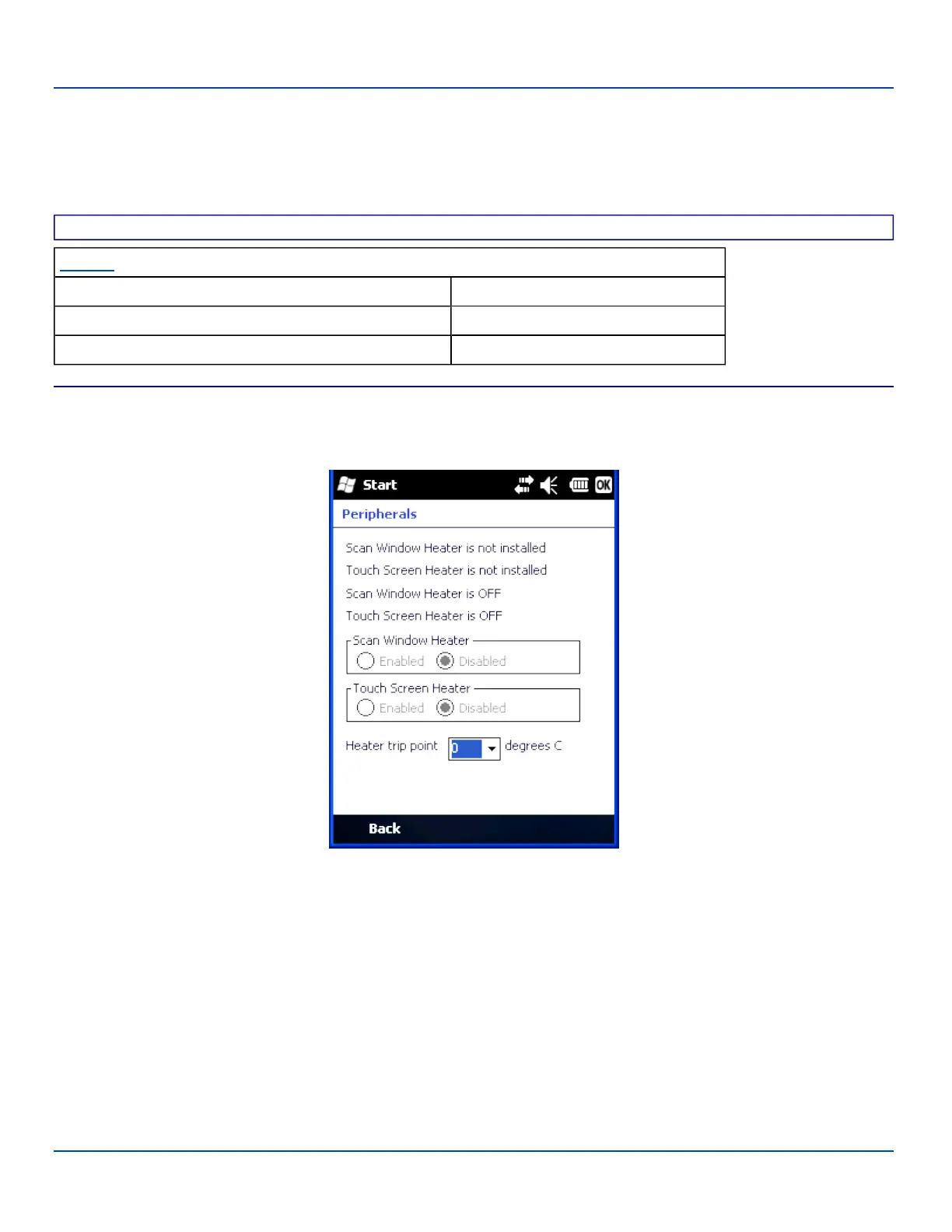
This panel is used to enable and disable the touch screen heater and scan window heater.
Factory Default Settings
Heaters
Touch screen heater Enabled
Scan window heater Enabled
Heater Trip Point 40º C / 100º F
Heaters
Note: Settings have no effect if the touch screen / scan window heaters are not installed.
Click the radio button to enable or disable the heaters.
The default heater trip point is 40° C / 100° F. Choose a different trip point from the drop down list and click OK. The change is
in effect immediately.
Celsius degrees (temperature) = (Fahrenheit temperature-32)*5/9.
E-EQ-MX7WMRG-A [ 144 ] MX7 Tecton™ for Windows Mobile Reference Guide



 To Next Page