Settings
Settings
Start | Settings
Note: Tap Start | Help for context sensitive Windows Mobile Help when changing or viewing options. Tap the
X icon in the top right corner to close Windows Mobile Help.
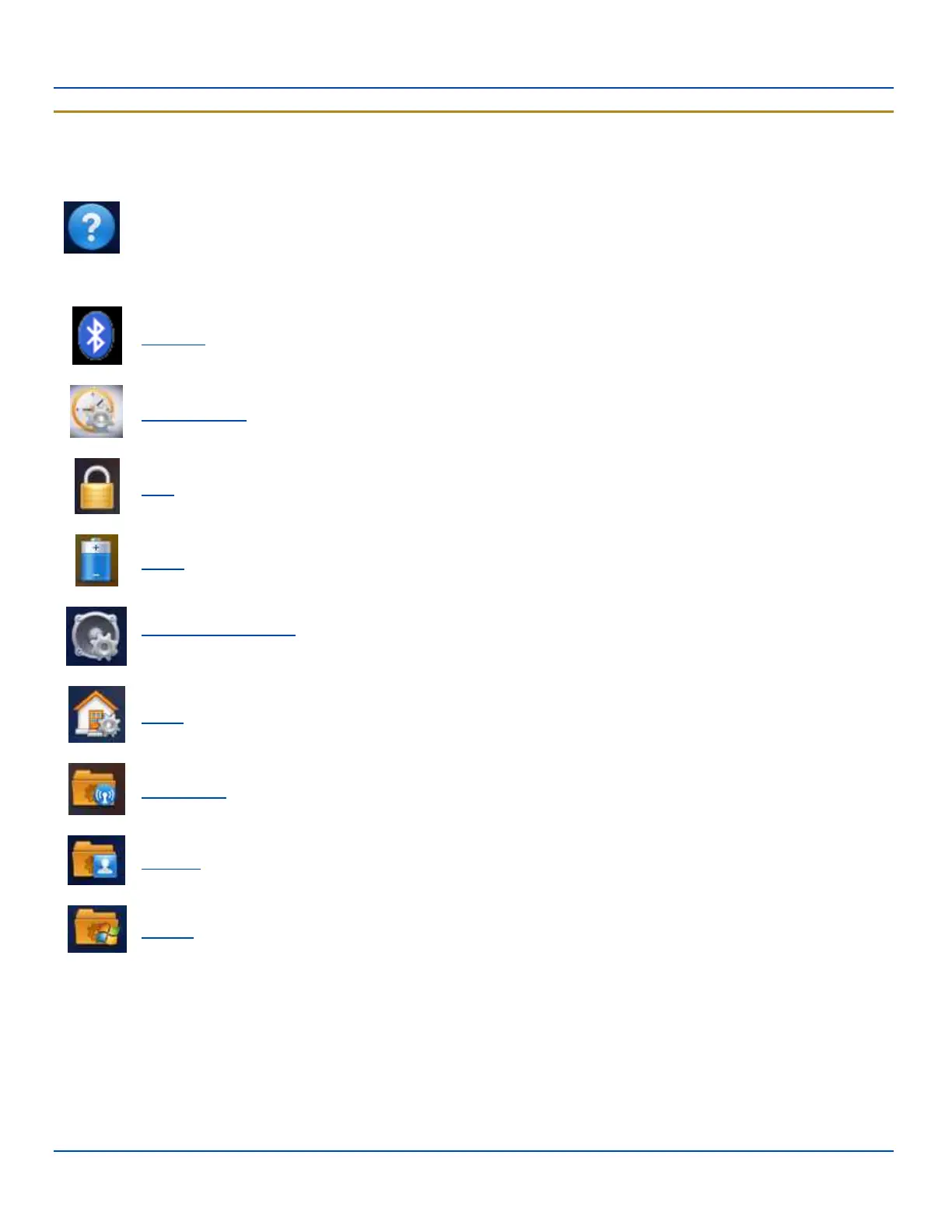
Icon Function
Bluetooth. Set the parameters for Bluetooth device connections.
Clock & Alarms. Set Date, Time, Time Zone, and alarms.
Lock. Set password protection.
Power. Review battery status. Set time limit before device is turned off.
Sounds & Notifications. Enable / disable sounds and vibrations. Set volume parameters and assign sound (wav)
files to OS events.
Today. Configure the Today screen.
Connections. Set up various connections between a host and the MX7 Tecton.
Personal. Configure Buttons, Input method and Owner information.
System. Review system information. Set up operating system and equipment parameters.
E-EQ-MX7WMRG-A [ 41 ] MX7 Tecton™ for Windows Mobile Reference Guide



 To Next Page