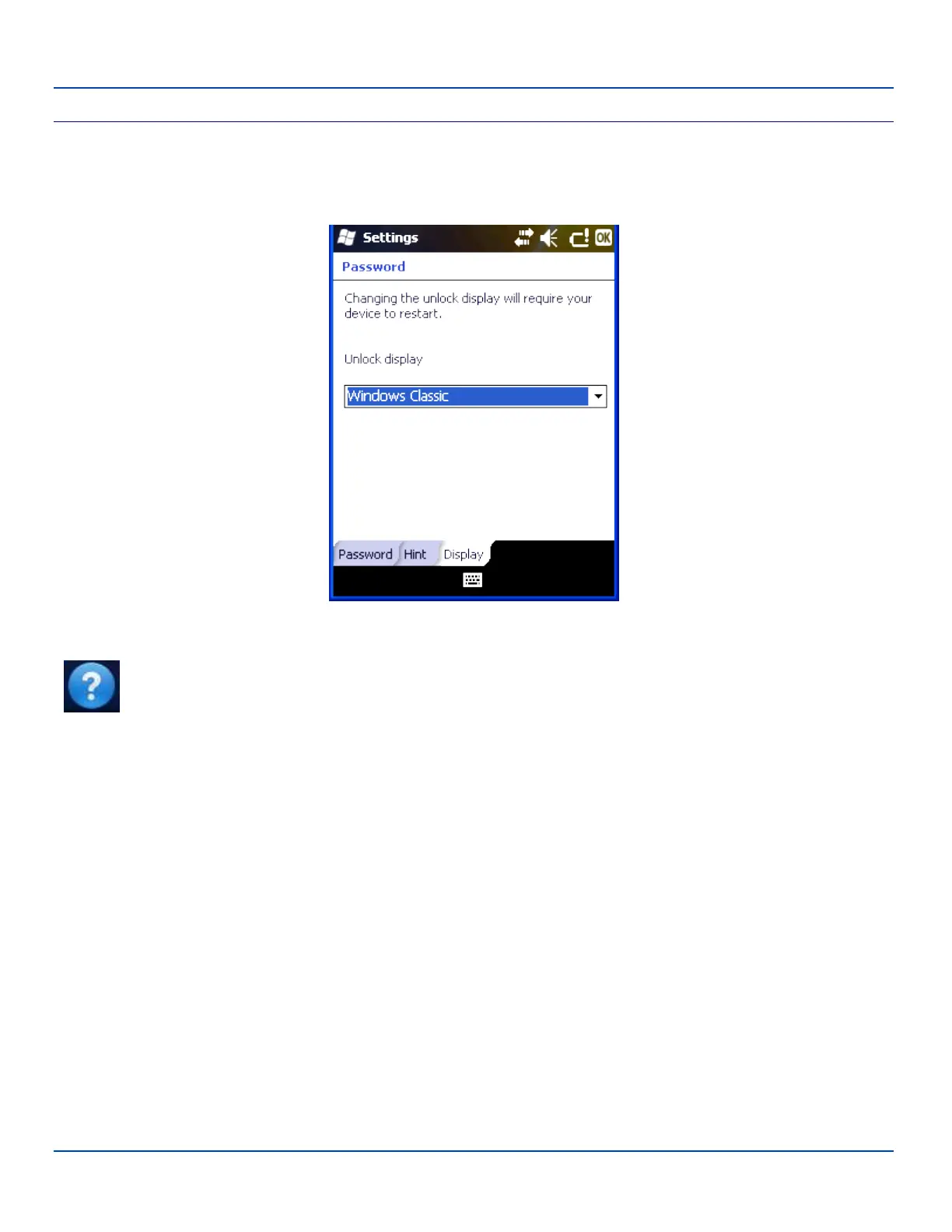
Display
Display
Unlock display defaults to Windows Classic. Windows Default can be selected to be the unlock display. Changing the unlock
display, and tapping OK (at the top right corner of the screen) presents the following screen:
Tap Yes to restart, or cold boot. Tap No to cancel the operation.
Note: Tap Start | Help for context sensitive Windows Mobile Help when changing or viewing options. Tap the
X icon in the top right corner to close Windows Mobile Help.
E-EQ-MX7WMRG-A [ 50 ] MX7 Tecton™ for Windows Mobile Reference Guide



 To Next Page