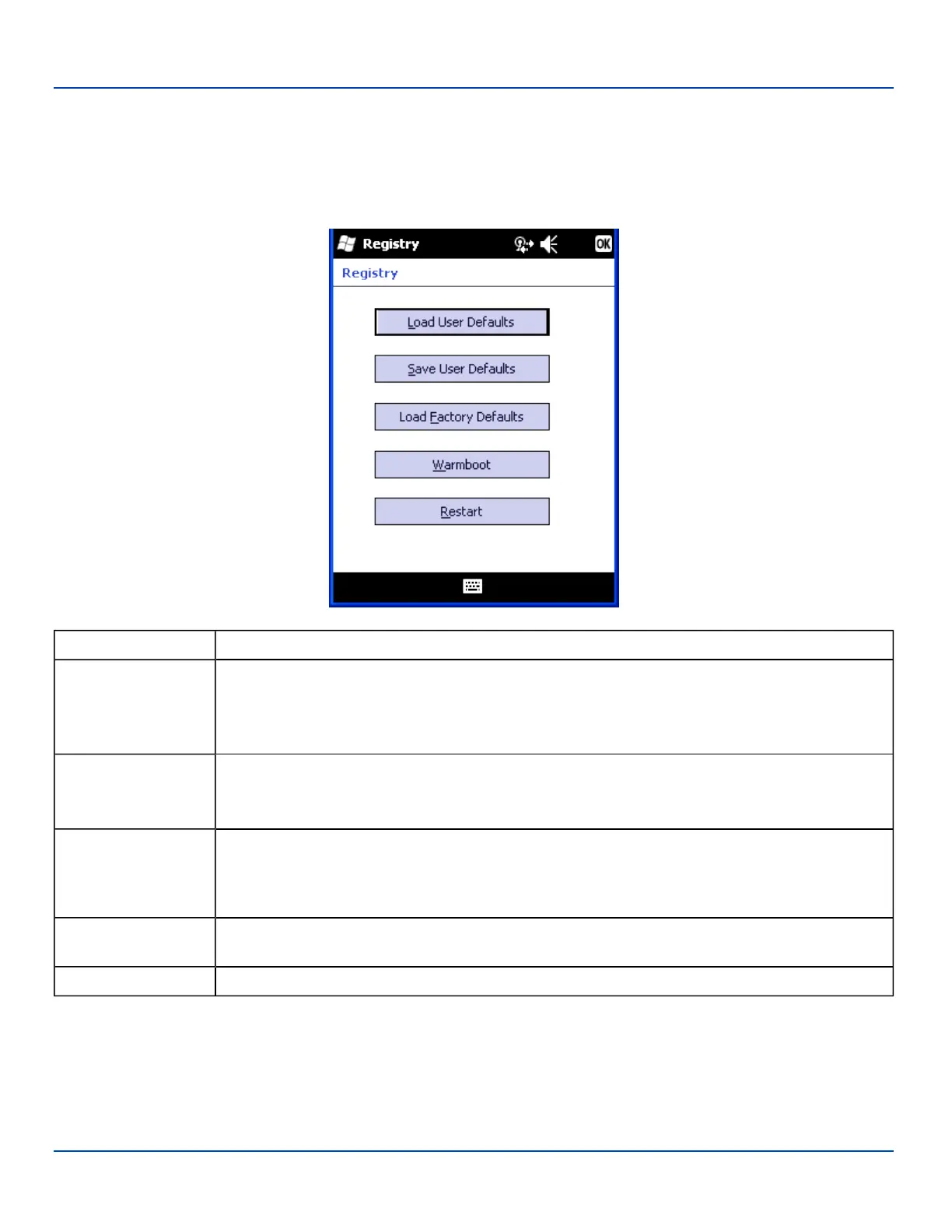
Registry
Registry
Start | Settings | System | Registry
Choose an MX7 Tecton software reload scheme.
Tab Contents
Load User Defaults
When clicked, a standard load file dialog is opened, to allow the user to pick a Registry Save (.RSG)
file. The applet then copies the specified User registry file to the Active registry. The user is asked to
verify a reboot, and then the applet does a warmboot to activate the new registry.
Load User Defaults takes 20 seconds from SD card, or 10 seconds from internal flash.
Save User Defaults
When clicked, a standard Save File dialog is opened, to allow the user to name the Registry Save
(.RSG) file. The applet then copies the Active registry to the specified User registry file.
Save User Defaults takes 30 seconds to save to SD card, or 10 seconds to save to internal flash.
Load Factory Defaults
The applet copies the Factory Default registry from the OS to the Active registry (by deleting the cur-
rent registry). The user is asked to verify a reboot, and then the applet does a restart to activate the
factory default registry. If a user password has been set, the applet warns the user that the password
will be erased, and asks them to enter it before the reboot is allowed.
Warmboot
When clicked, the OS does a registry flush (Active registry saved to Flash registry hive), and then a
warmboot.
Restart When clicked, the OS does a registry flush, and then a restart.
E-EQ-MX7WMRG-A [ 147 ] MX7 Tecton™ for Windows Mobile Reference Guide



 To Next Page