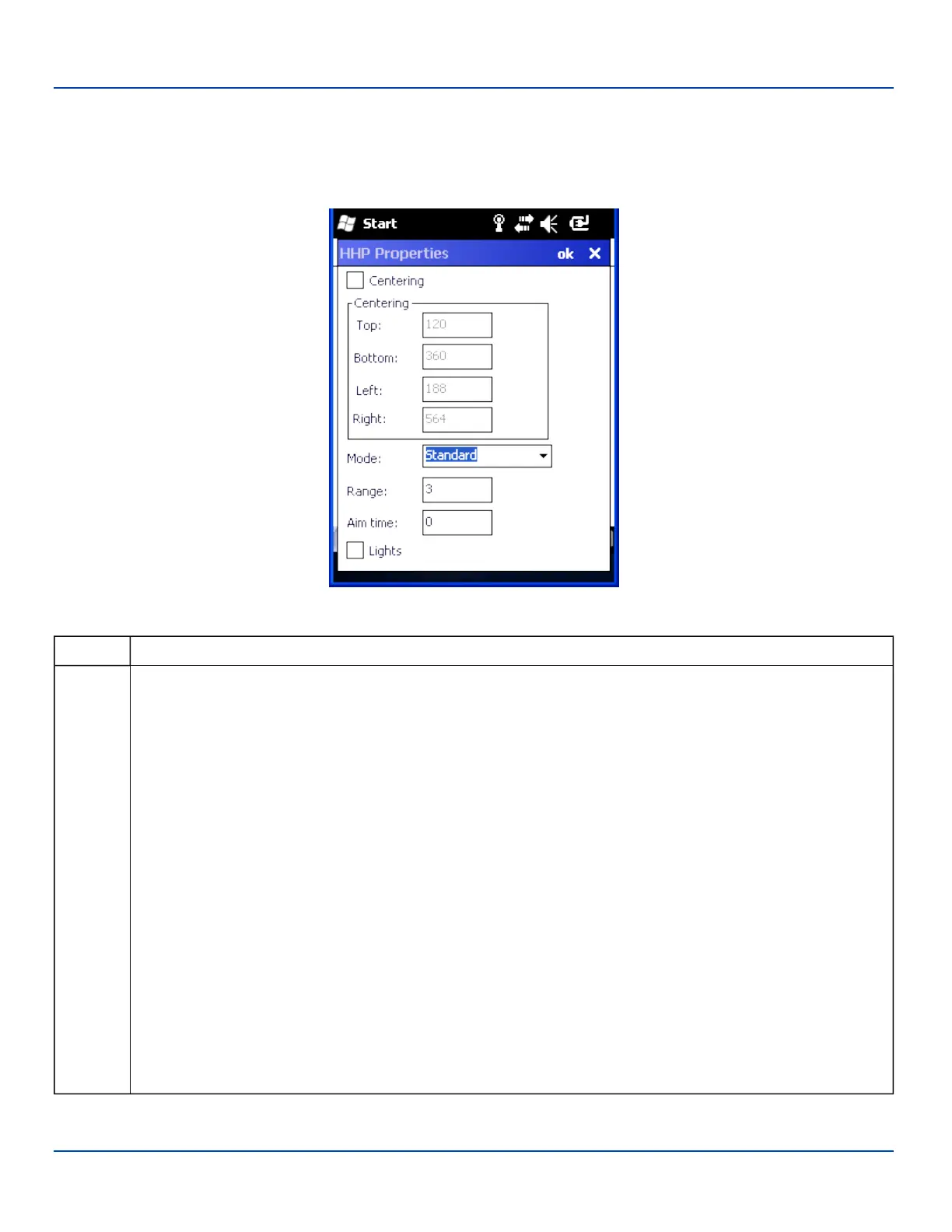
HHP Properties
HHP Properties
When the MX7 Tecton is equipped with an HHP imager, this option is used to configure imager parameters.
HHP Properties
Option Action
Centering The centering feature is used to allow the user to accurately scan a selected barcode among a group of barcodes
that are located closely together. When centering is turned on, the imager will only decode barcodes that intersect
the centering window defined by the user. The centering window must intersect the center of the barcode.
The default centering settings define a 60 pixel square area in the center of the imager's field of view.
The default is disabled. When enabled, the following parameters may be entered.
Top
Valid:0 – 239
Default:120
Bottom
Valid:240 – 479
Default:360
Left
Valid:0 – 319
Default:188
Right
Valid:320 – 639
Default:564
E-EQ-MX7WMRG-A [ 127 ] MX7 Tecton™ for Windows Mobile Reference Guide



 To Next Page