Step 3: Process Completion
Step 3: Process Completion
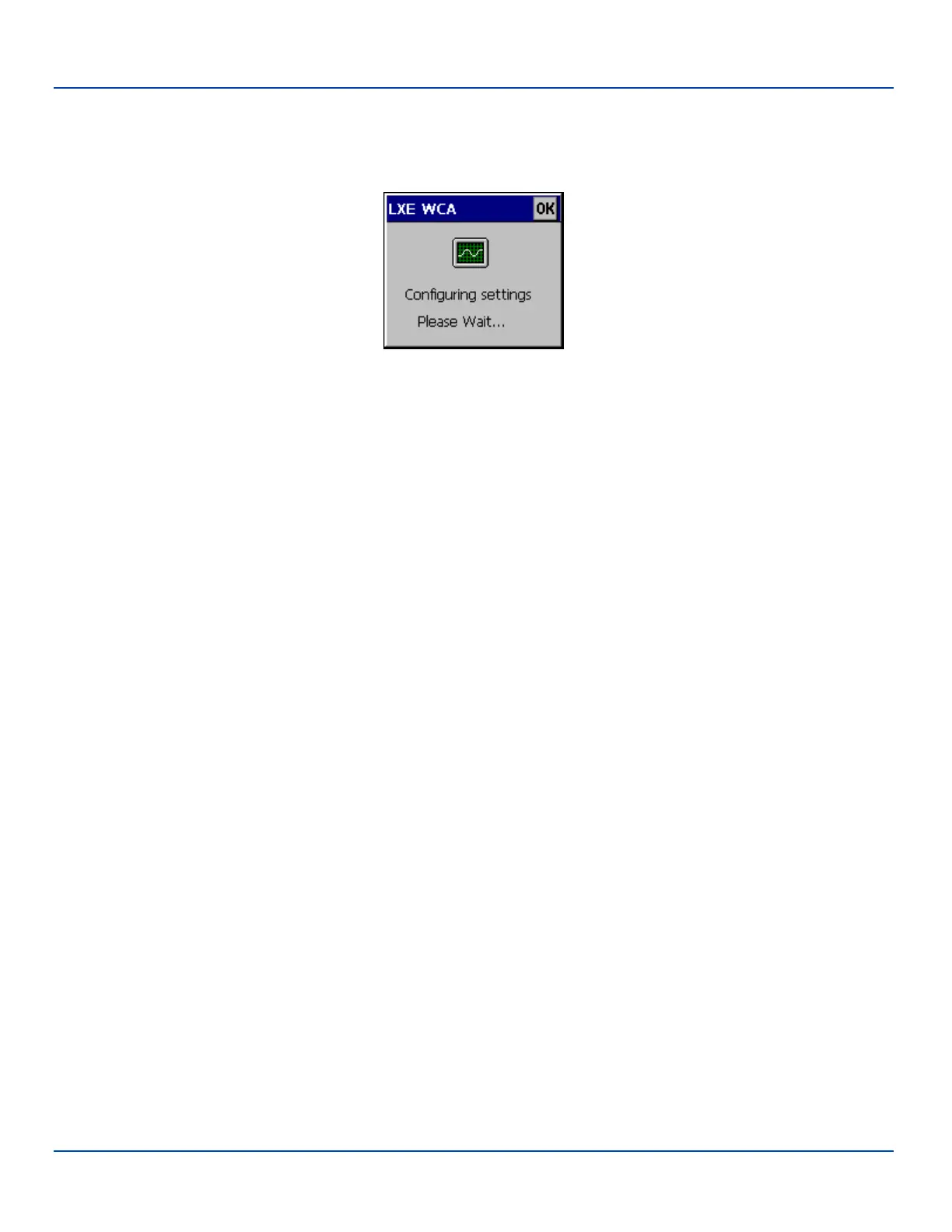
After the last barcode is scanned, the settings are automatically applied.
Configuring Settings
Once configured, the MX7 Tecton is warmbooted. Once connected to the wireless network and the Mobile Device Server, any
software updates and additional configuration data are downloaded.
E-EQ-MX7WMRG-A [ 245 ] MX7 Tecton™ for Windows Mobile Reference Guide



 To Next Page