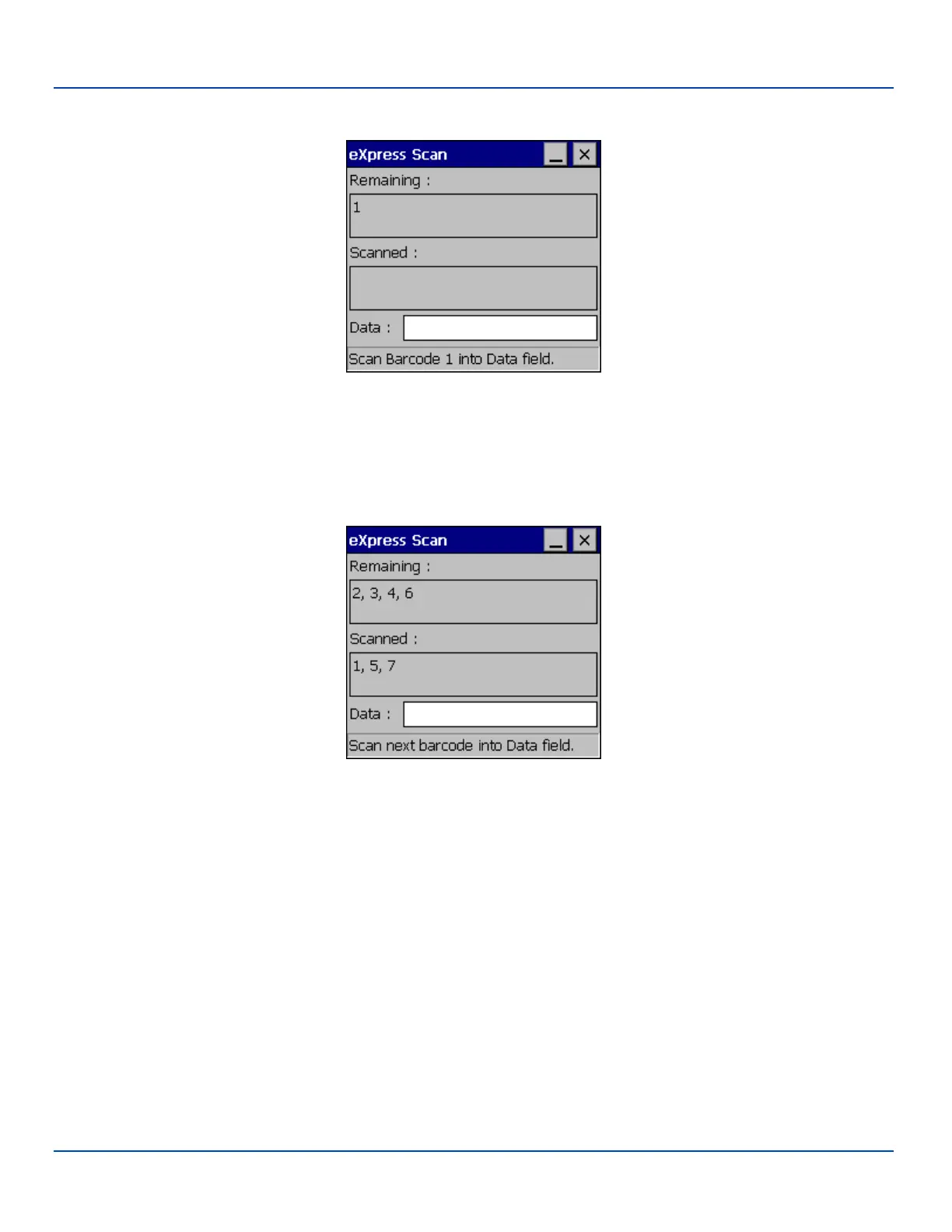
Step 2: Scan Barcodes
Scan Barcode 1
If the passwords match, the barcode data is processed and the screen is updated to reflect the number of barcodes included in
the set.
If the passwords do not match, an error message is displayed. The current screen can be closed using the X box in the upper
right corner. The password can be re-entered and Barcode 1 scanned again.
Scan Remaining Barcodes
The remaining barcodes may be scanned in any order. After a barcode is scanned, that barcode is removed from the
“Remaining:” list and placed in the “Scanned:” list.
E-EQ-MX7WMRG-A [ 244 ] MX7 Tecton™ for Windows Mobile Reference Guide



 To Next Page