About Tab
About Tab
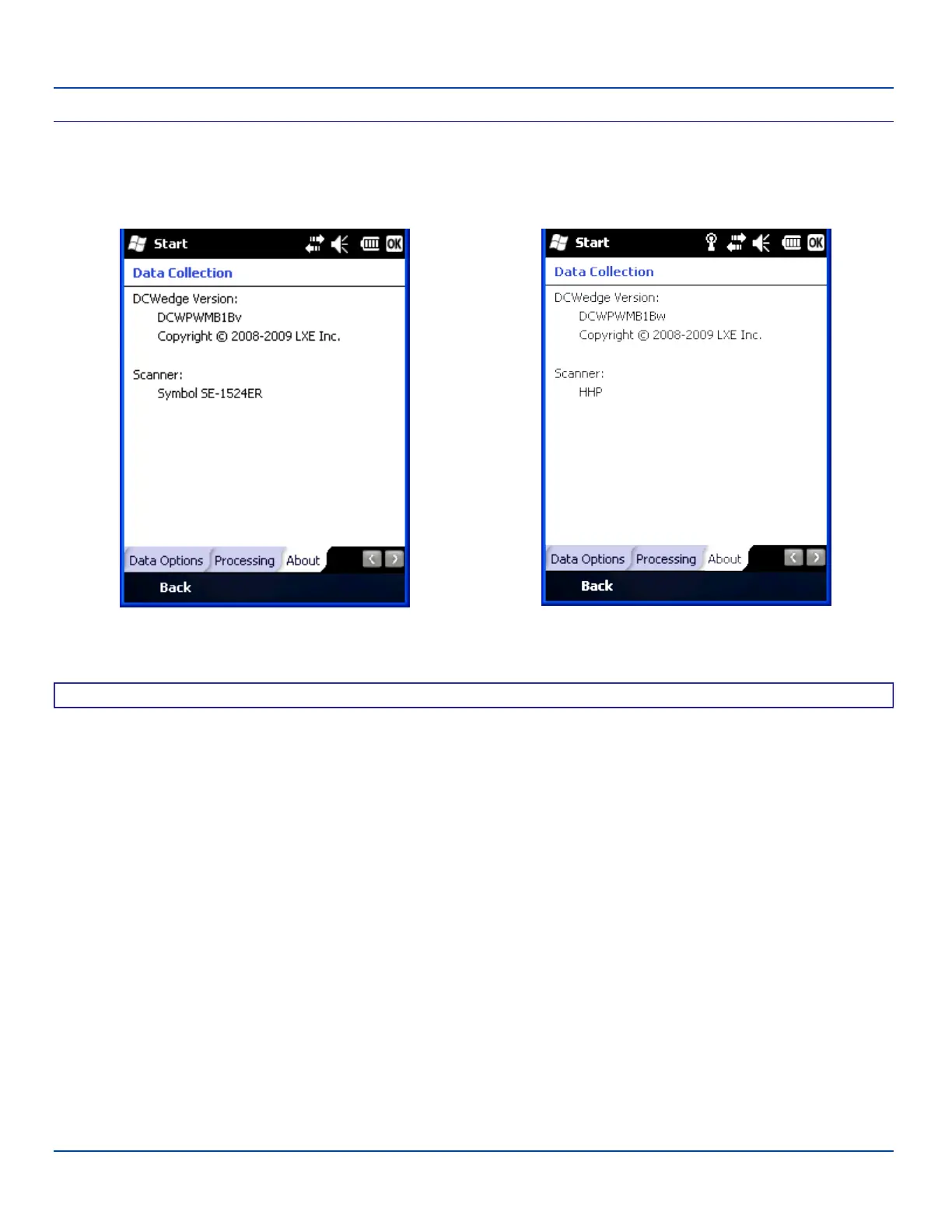
The About tab lists the version of the Data Collection Wedge (DCWedge) software and the type of scanner/imager installed in
the MX7 Tecton.
Symbol Scanner HHP Imager
About Tab
Valid scanner / imager types:
HHP – Hand Held Products 5300 2D Imager
Symbol – Symbol SE955I
Symbol - Symbol SE955E
Symbol – Symbol SE1524
Blank – No scanner installed
E-EQ-MX7WMRG-A [ 132 ] MX7 Tecton™ for Windows Mobile Reference Guide



 To Next Page