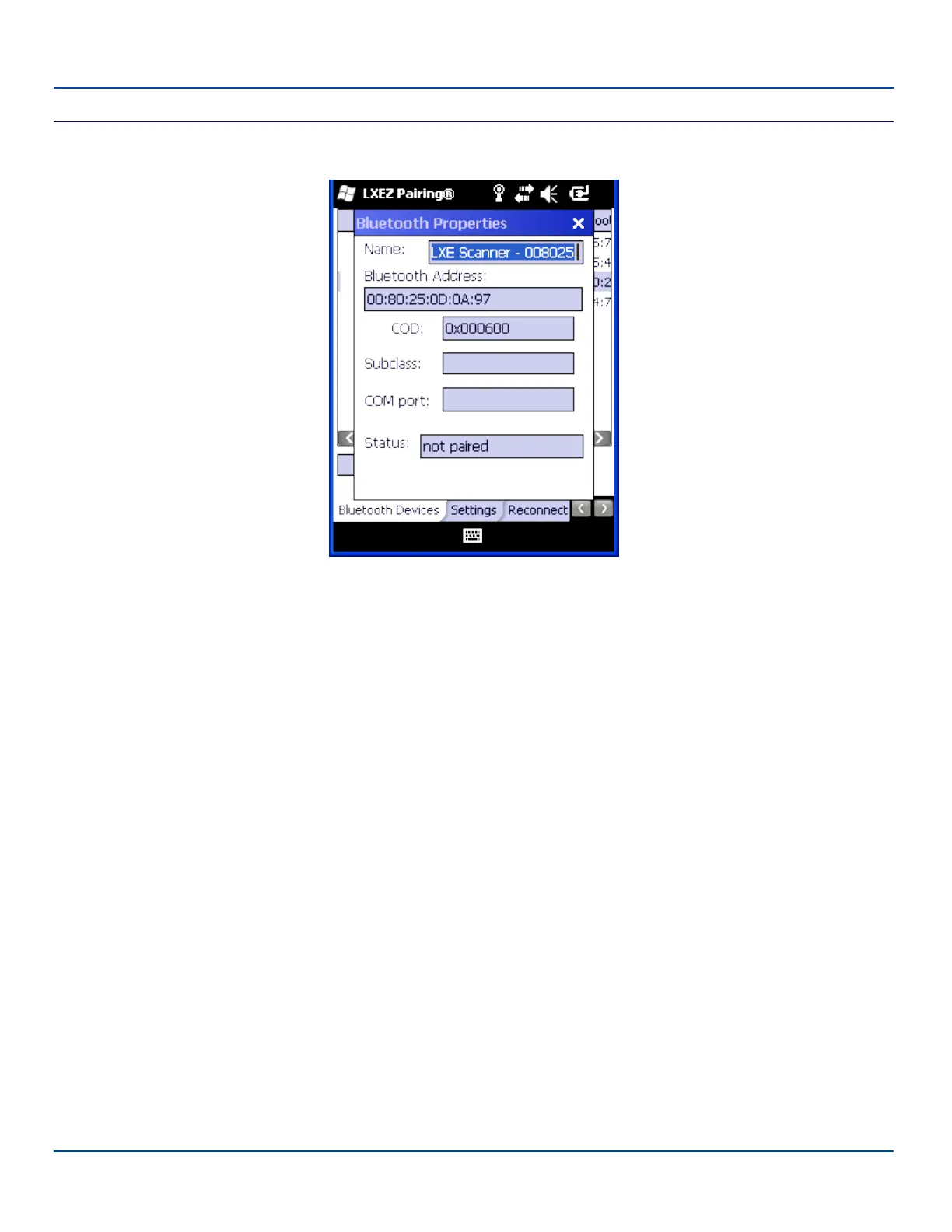
Bluetooth Device Properties
Bluetooth Device Properties
Bluetooth Device Properties Menu
Data on the Bluetooth Properties panel cannot be changed by the user. The data displayed is the result of the device Query
performed during the Discovery process.
The Status dialog box reflects the current state of the highlighted device.
E-EQ-MX7WMRG-A [ 78 ] MX7 Tecton™ for Windows Mobile Reference Guide



 To Next Page