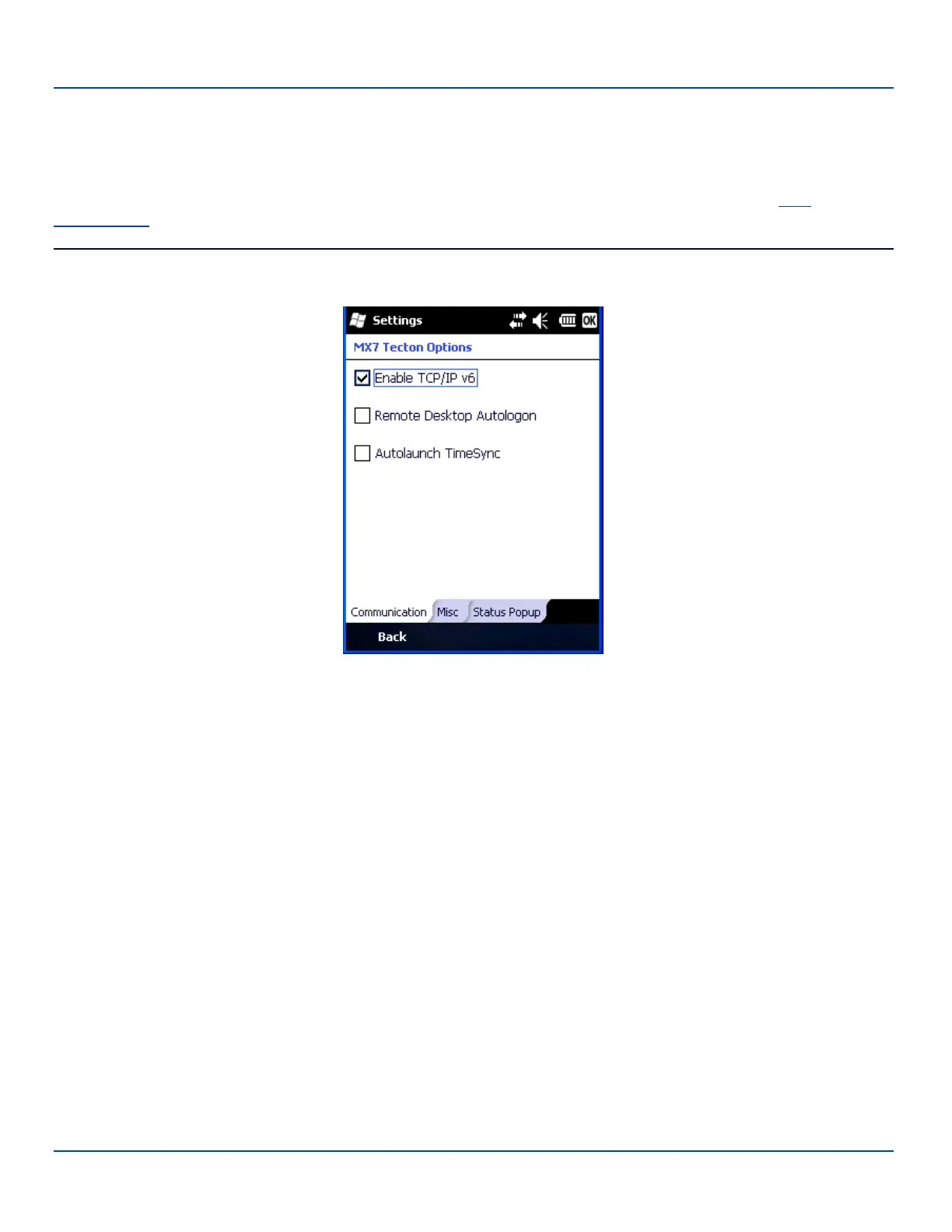
MX7 Tecton Options
MX7 Tecton Options
Start | Settings | System | MX7 Tecton Options
Set MX7 Tecton specific device options. Options that cannot be edited by the user are dimmed. Contact your LXE
representative for enhancements and updates as they become available.
Communication
MX7 Tecton Options – Communication
By default, TCP/IP version 6 is enabled on the MX7 Tecton. Check this checkbox to disable TCP/IP version 6.
By default, Remote Desktop Autologin is disabled. Check this checkbox to enable Remote Desktop Autologin.
Autolaunch TimeSync enables time synchronization when the MX7 Tecton boots.
E-EQ-MX7WMRG-A [ 141 ] MX7 Tecton™ for Windows Mobile Reference Guide



 To Next Page