Battery
Battery
Start | Settings | Battery
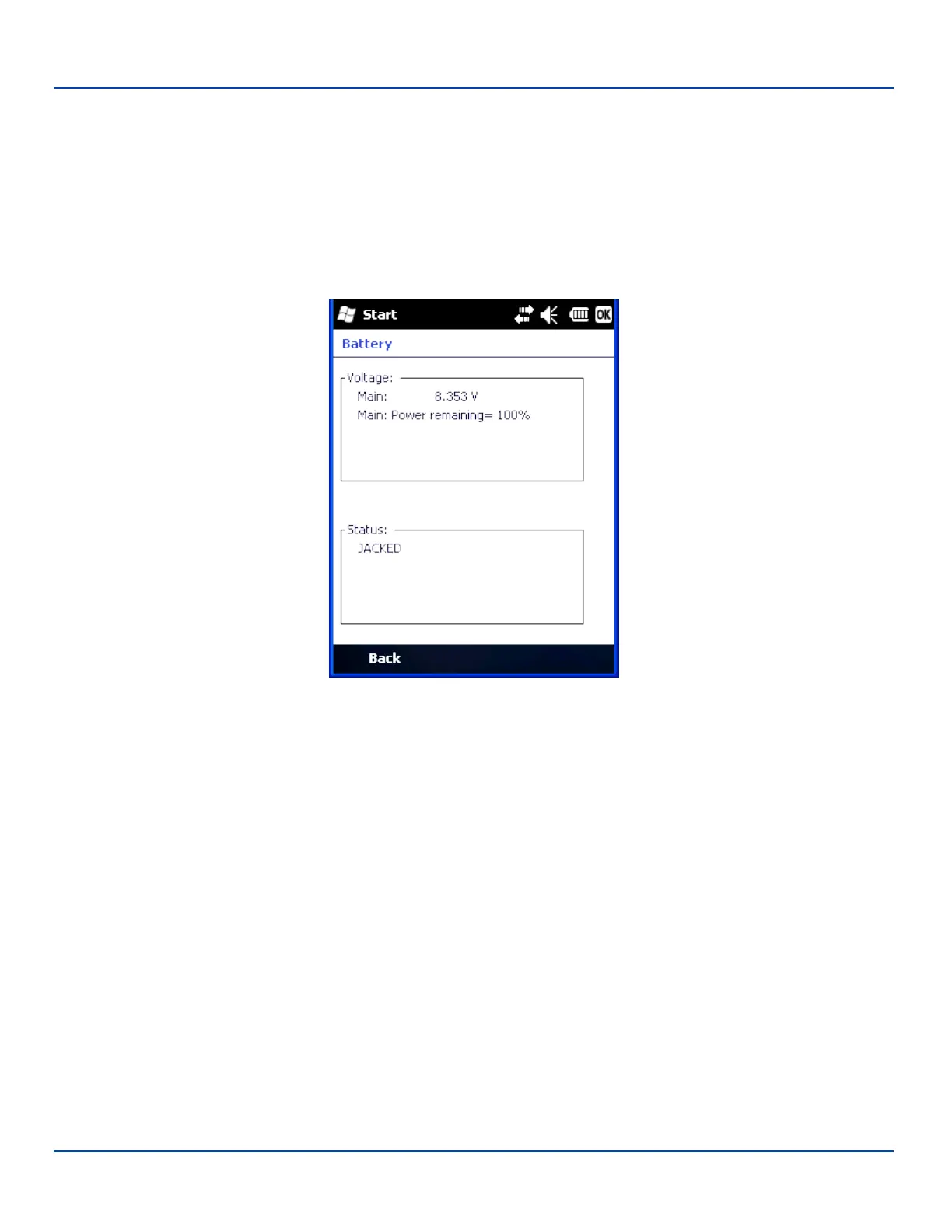
This panel is used to view the status and percentage of power remaining in the MX7 Tecton main battery.
Jacked is shown in the Status box when the Main battery is receiving external power.
The main battery is charged/recharged when the MX7 Tecton is docked in a powered cradle or directly cabled to an external
power source.
The internal battery draws power from the Main battery to maintain a charge. The Super-cap battery voltage and percentage of
power fluctuate continuously.
When there is no Main battery in the unit, the internal battery begins to discharge as it maintains RAM and other vital settings.
After a Main battery is installed, the internal battery begins to draw power from the Main battery again and is fully recharged in
five minutes or less.
Note: Frequent connection to an external power source, if feasible, is recommended to maintain main battery charge
status as the Super-cap battery cannot be recharged by a dead or missing main battery.
E-EQ-MX7WMRG-A [ 71 ] MX7 Tecton™ for Windows Mobile Reference Guide



 To Next Page