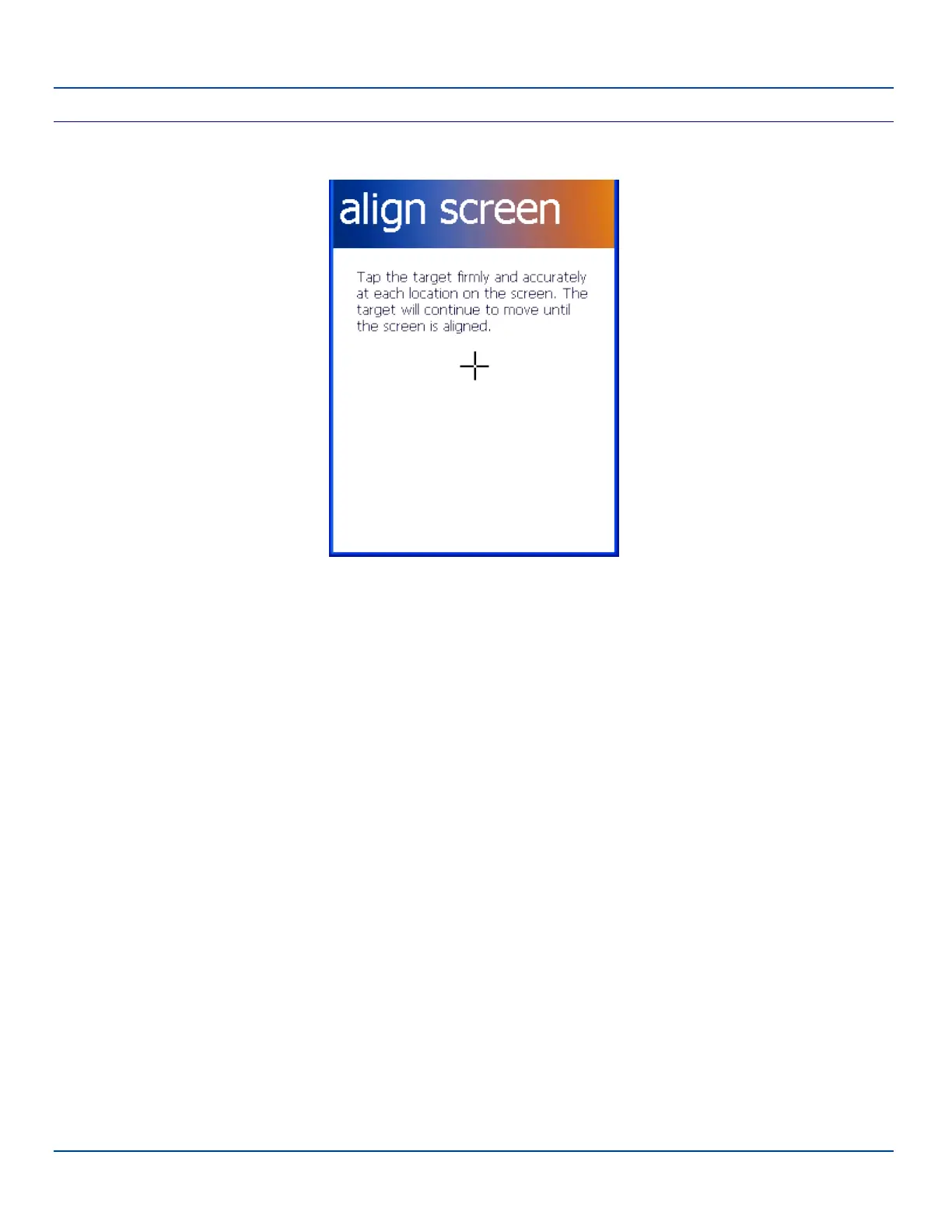
Align Screen
Align Screen
Screen Settings – Alignment Panel
Tap the Align Screen button. The align screen opens and displays a large cross-hair in the middle of the screen. Tap the middle
of the cross-hair as it moves around the screen. When the process is complete, the General screen is displayed. Tap ok and
the changes are saved. The new alignment is in effect immediately.
E-EQ-MX7WMRG-A [ 150 ] MX7 Tecton™ for Windows Mobile Reference Guide



 To Next Page