Personal
Personal
Start | Settings | Personal
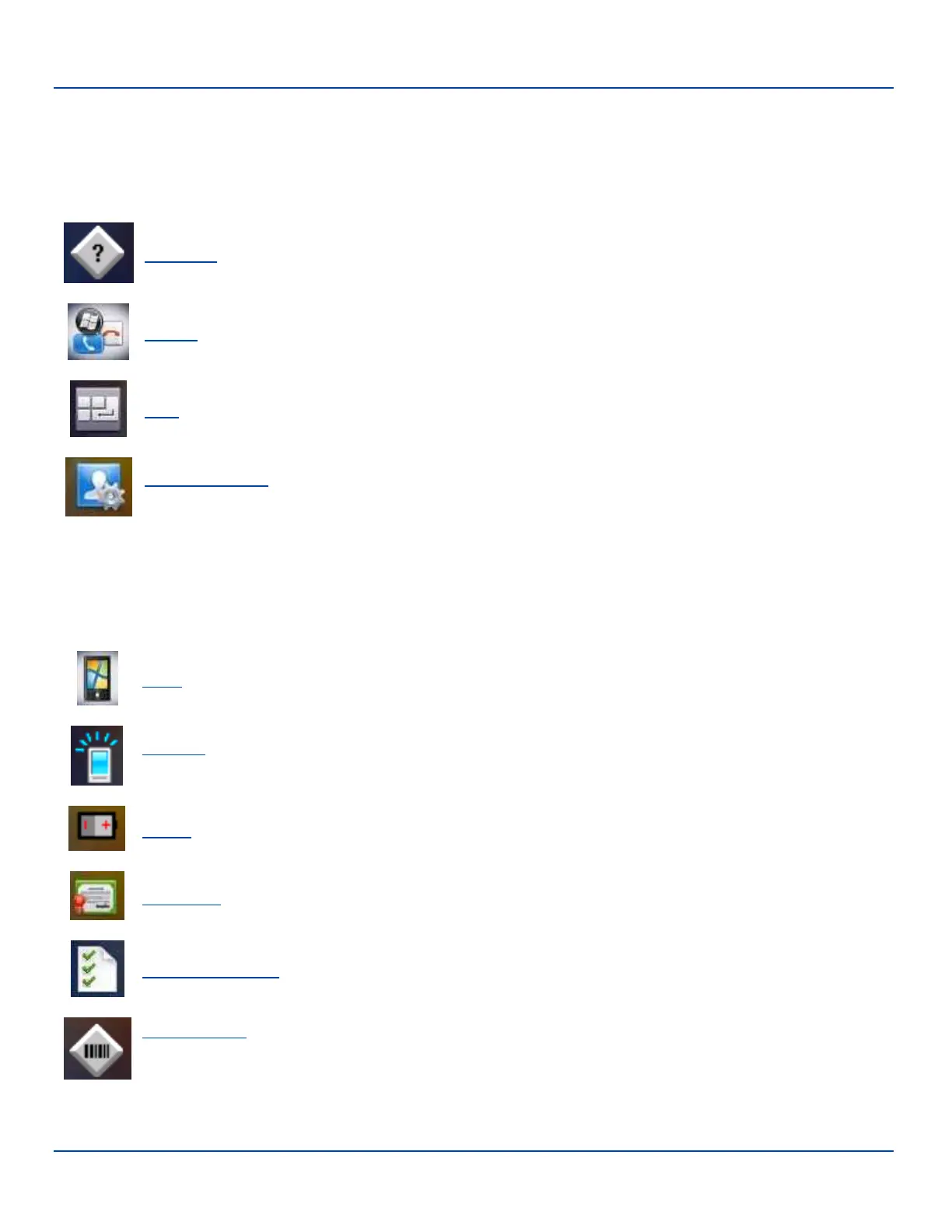
Icon Option
About LXE. View software, hardware, versions and network IP. No user intervention required.
Buttons. Set functions of programmable buttons.
Input. Set input options for keypad, touchscreen and voice.
Owner Information. Set the mobile device owner details (name, phone, etc). Enter notes. Enable / disable Owner
display parameters.
System
Start | Settings | System
Icon Option
About. Display OS version information. Set device name.
Backlight. Set the display backlight brightness and display/keypad backlight timeout. Configure the timeout
based on type of power source: battery or external power.
Battery. View voltage and status of the main battery.
Certificates. Manage digital certificates used for secure communication.
Customer Feedback. Enable or disable automatic feedback to Microsoft Corporation.
Data Collection. Wedge utility for data collected from barcode scans. Set data collection device, notifications,
data stripping, prefix/suffix, and vibration (if installed) options. Assign baud rate, parity, stop bits and data bits for
COM1 port. Assign collected data manipulation parameters.
E-EQ-MX7WMRG-A [ 42 ] MX7 Tecton™ for Windows Mobile Reference Guide



 To Next Page