Input
Input
Start | Settings | Personal | Input
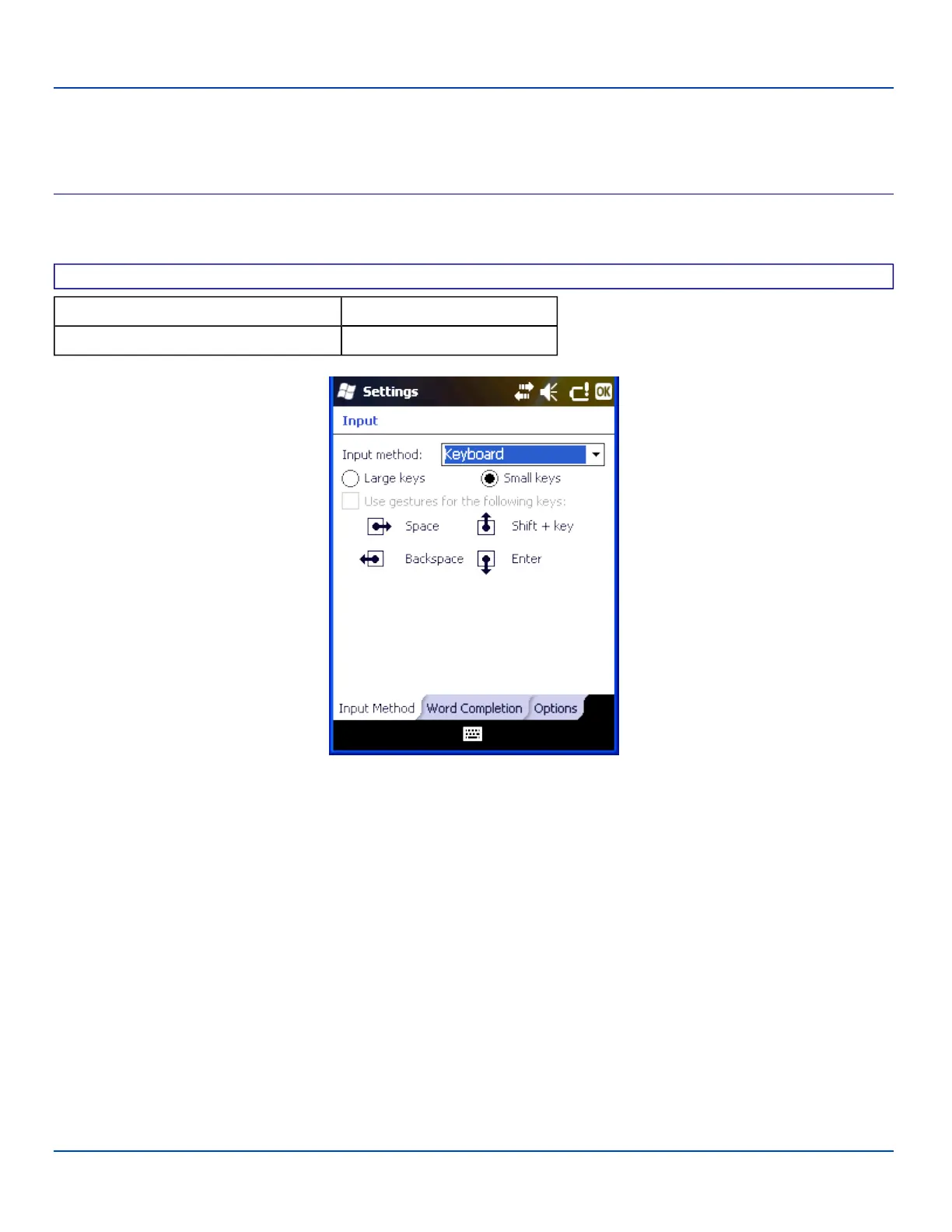
Input Method
Select the preferred method of input.
Factory Default Settings
Input Method Keyboard
Small keys Enabled
Input Settings – Input Method Panel
The default method of input is the keyboard or input panel. When the cursor is located in a field allowing text input, the input
panel may automatically be displayed. If not automatically displayed, the input panel can be accessed by tapping on the
keyboard icon at the bottom center of the screen.
If a different input method is active, the icon for that input method is displayed instead of the keyboard icon.
Tap ok to save any changes.
E-EQ-MX7WMRG-A [ 60 ] MX7 Tecton™ for Windows Mobile Reference Guide



 To Next Page