About
About
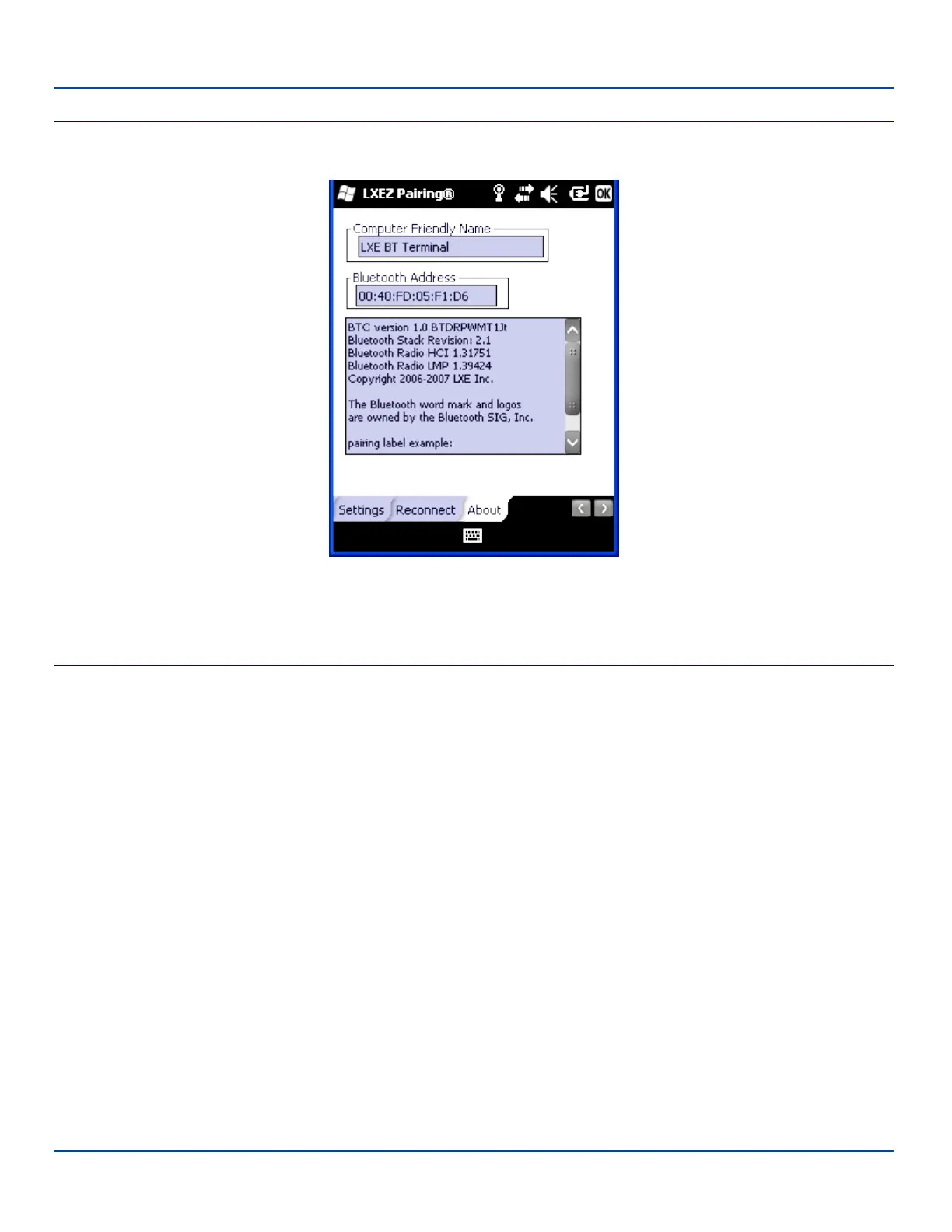
Bluetooth About Panel
This panel lists the assigned Computer Friendly Name (that other devices may discover during their Discovery and Query
process), the Bluetooth MAC address, and software version levels. The data cannot be edited by the user.
Easy Pairing and Auto-Reconnect
The Bluetooth module can establish relationships with new devices after the user taps the Discover button. It can auto-
reconnect to devices previously known but which have gone out of range and then returned within range.
Note: Configuration elements are persistent and stored in the registry.
Setup the Bluetooth module to establish how the user is notified by easy pairing and auto-reconnect events.
AppLock, if installed, does not stop the end-user from using the Bluetooth application, nor does it stop other Bluetooth-enabled
devices from pairing with the MX7 Tecton while AppLock is in control.
E-EQ-MX7WMRG-A [ 83 ] MX7 Tecton™ for Windows Mobile Reference Guide



 To Next Page