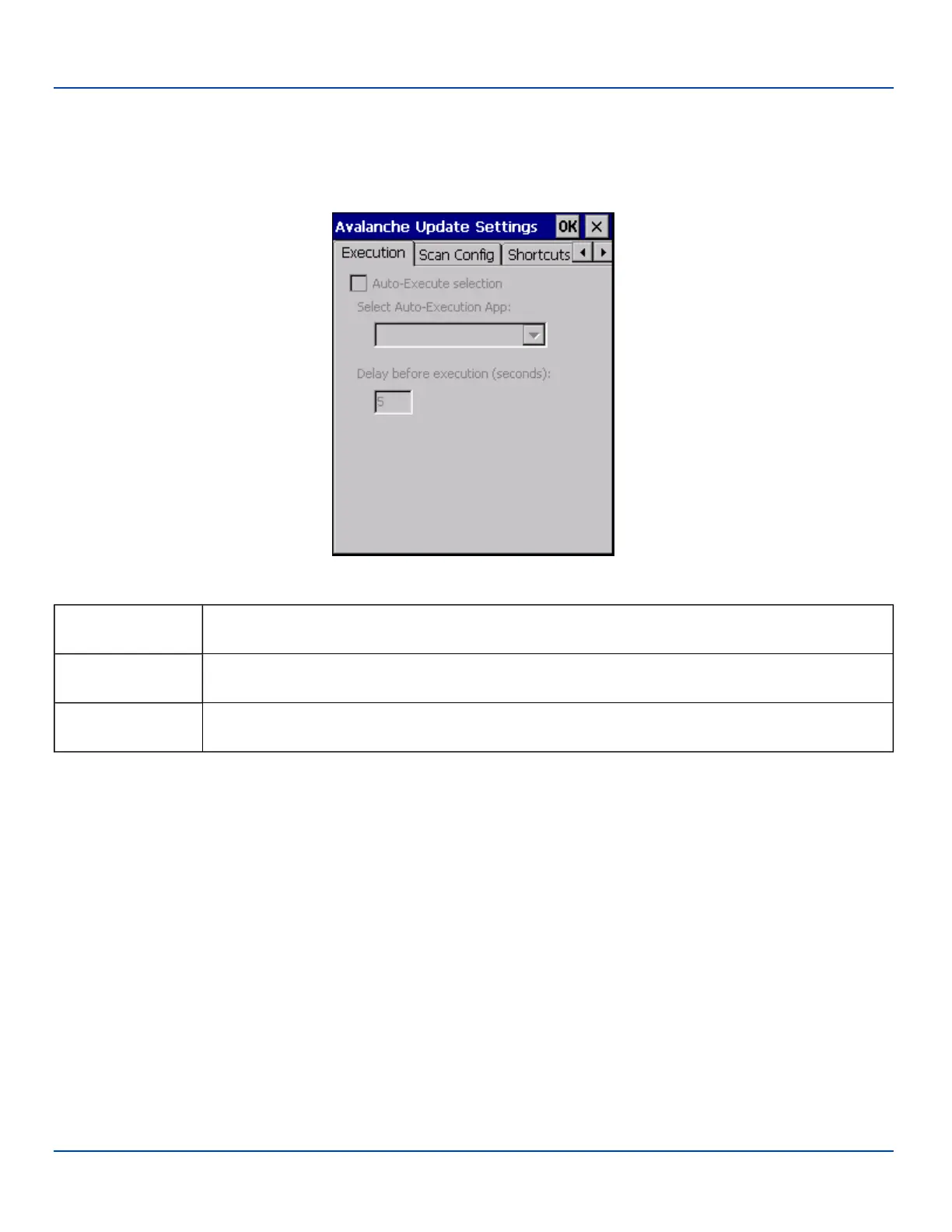
Execution
Execution
Note the dimmed options on this MX7 Tecton panel. This menu option is designed to manage downloaded applications for
automatic execution upon startup.
Execution Options (Dimmed)
Auto-Execute
Selection
An application that has been installed with the Avalanche Management system can be run
automatically following each boot.
Select Auto-
Execute App
The drop-down box provides a list of applications that have been installed with the Avalanche
Management System.
Delay before
execution
Time delay before launching Auto-Execute application.
E-EQ-MX7WMRG-A [ 231 ] MX7 Tecton™ for Windows Mobile Reference Guide



 To Next Page