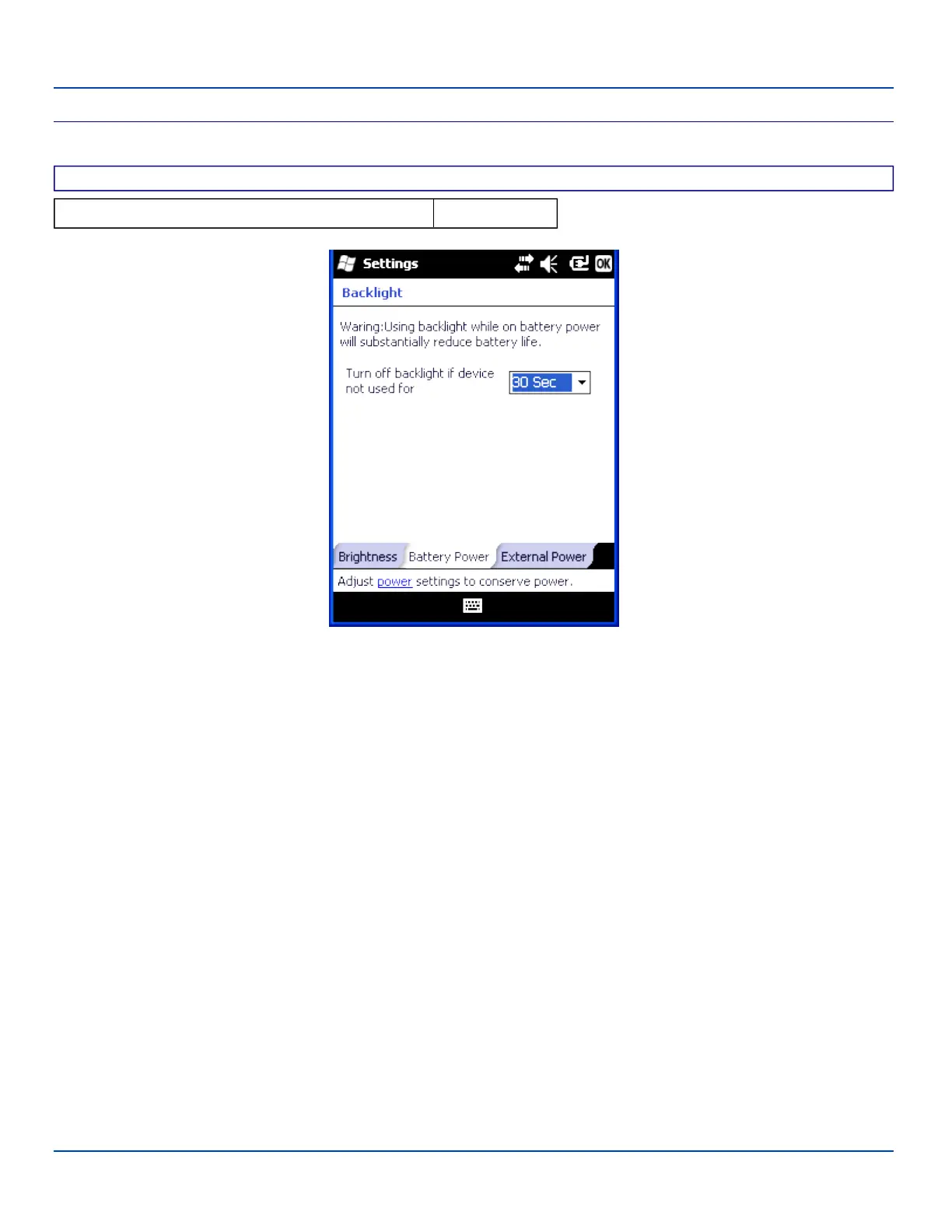
Battery Power
Battery Power
Factory Default Settings
Turn off backlight if device not used for 30 seconds
Backlight Settings – Battery Power Panel
When the MX7 Tecton is on battery power and the backlight timer expires, the display and the backlights for the display and
keypad are turned off. Adjust the settings and tap OK to save the changes. The changes take effect immediately.
E-EQ-MX7WMRG-A [ 69 ] MX7 Tecton™ for Windows Mobile Reference Guide



 To Next Page