Sounds & Notifications
Sounds & Notifications
Start | Settings | Personal | Sounds & Notifications
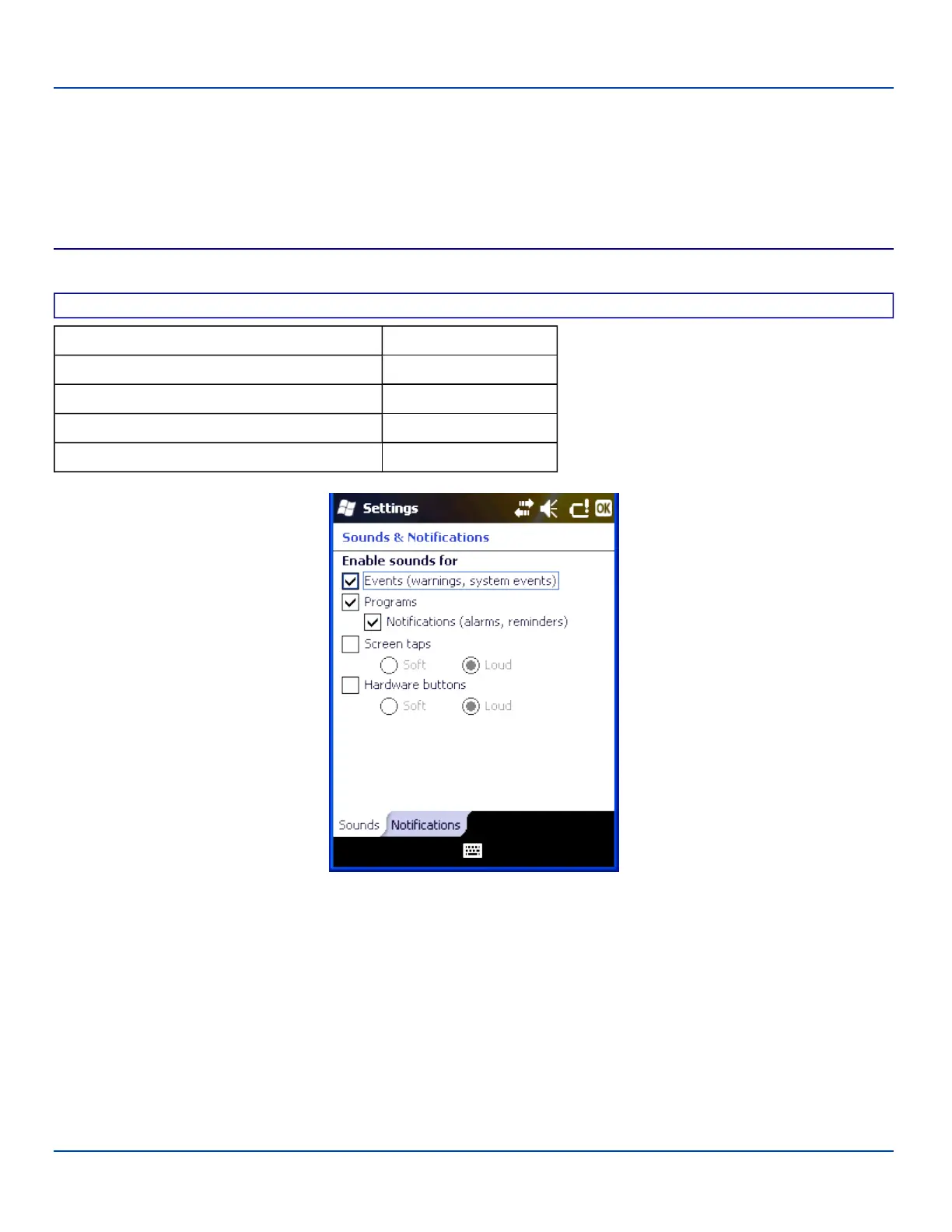
Set volume parameters and assign sound WAV files to Windows Mobile events. Options that cannot be edited by the user are
dimmed.
Sounds
Factory Default Settings
Events Enabled
Programs Enabled
Notifications Enabled
Screen taps Disabled
Hardware buttons Disabled
Sounds & Notifications Settings – Sounds Panel
Follow the instructions on the screen and tap ok to save the changes. Changes take effect immediately.
E-EQ-MX7WMRG-A [ 53 ] MX7 Tecton™ for Windows Mobile Reference Guide



 To Next Page