Owner Information
Owner Information
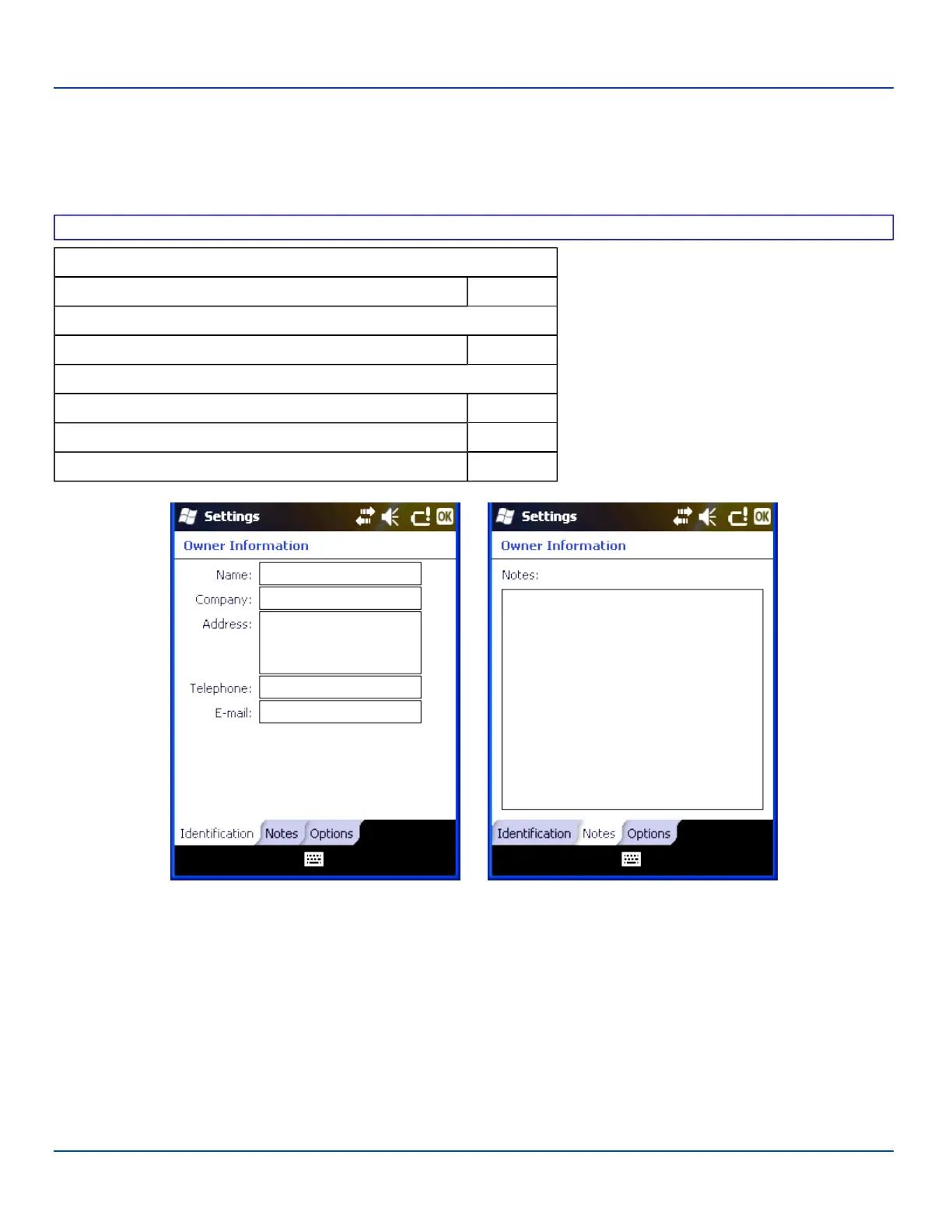
Start | Settings | Personal | Owner Information
Set the MX7 Tecton owner details.
Factory Default Settings
Identification
Name, Company, Address, Telephone, E-mail Blank
Notes
Notes Blank
Options
When the device is turned on, display:
Identification information Disabled
Notes Disabled
Owner Information Settings
Enter the information and tap ok to save the changes. The changes take effect immediately.
Note: Owner Identification name listed in Start | Settings | Personal | Owner | Information is not used during Bluetooth
operation.
E-EQ-MX7WMRG-A [ 63 ] MX7 Tecton™ for Windows Mobile Reference Guide



 To Next Page