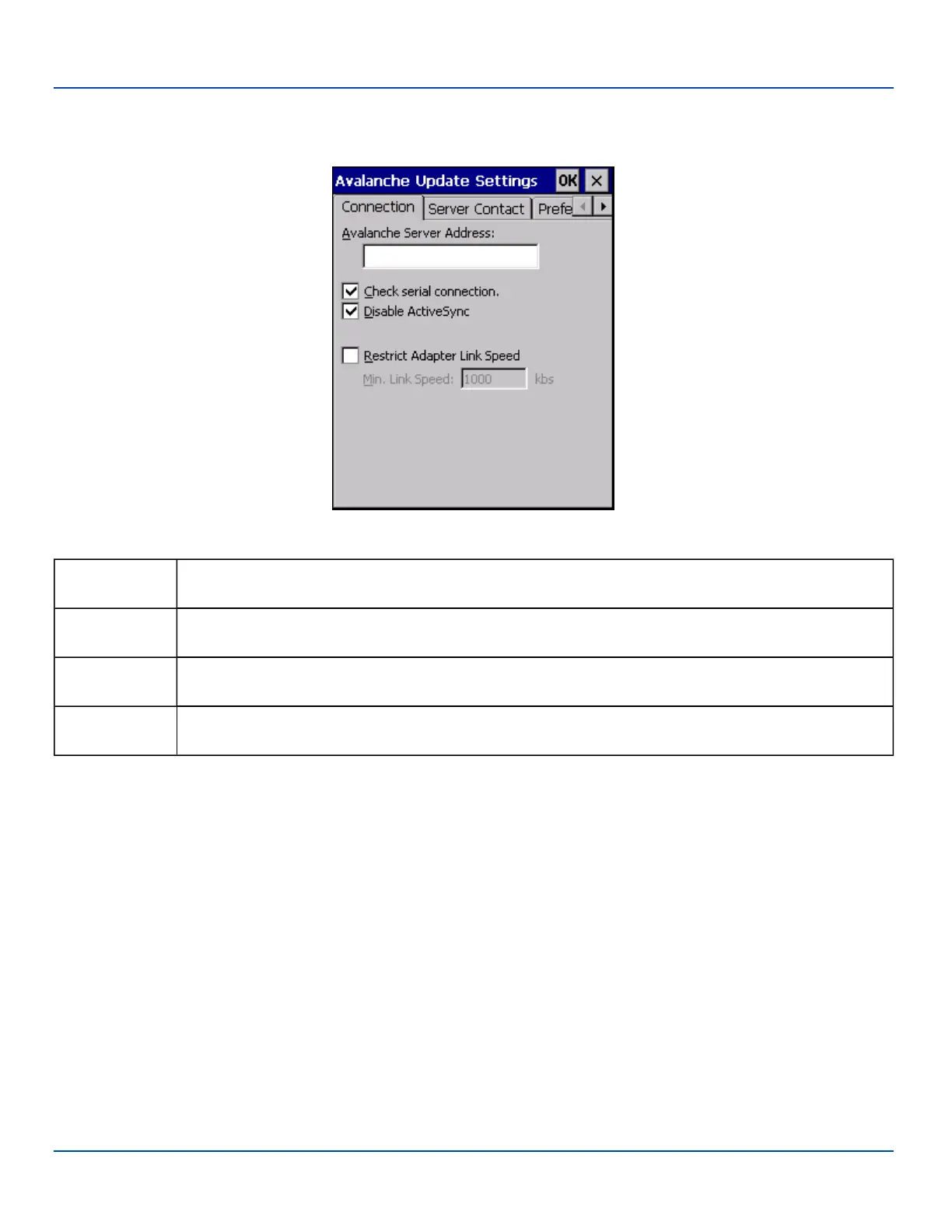
Connection
Connection
Connection Options
Avalanche
Server Address
Enter the IP Address or host name of the Mobile Device Server assigned to the MX7 Tecton.
Check Serial
Connection
Indicates whether the Enabler should first check for serial port connection to the Mobile Device Server
before checking for a wireless connection to the Mobile Device Server.
Disable
ActiveSync
Disable ActiveSync connection with the Mobile Device Server.
Restrict Adapter
Link Speed
Default is disabled. Minimum Link Speed dimmed.
E-EQ-MX7WMRG-A [ 230 ] MX7 Tecton™ for Windows Mobile Reference Guide



 To Next Page