Enabler Configuration
Enabler Configuration
Enabler Settings Icon
The Enabler user interface application is launched by clicking either the Enabler Settings icon on the desktop or Taskbar or
by selecting Avalanche Enabler from the Programs menu.
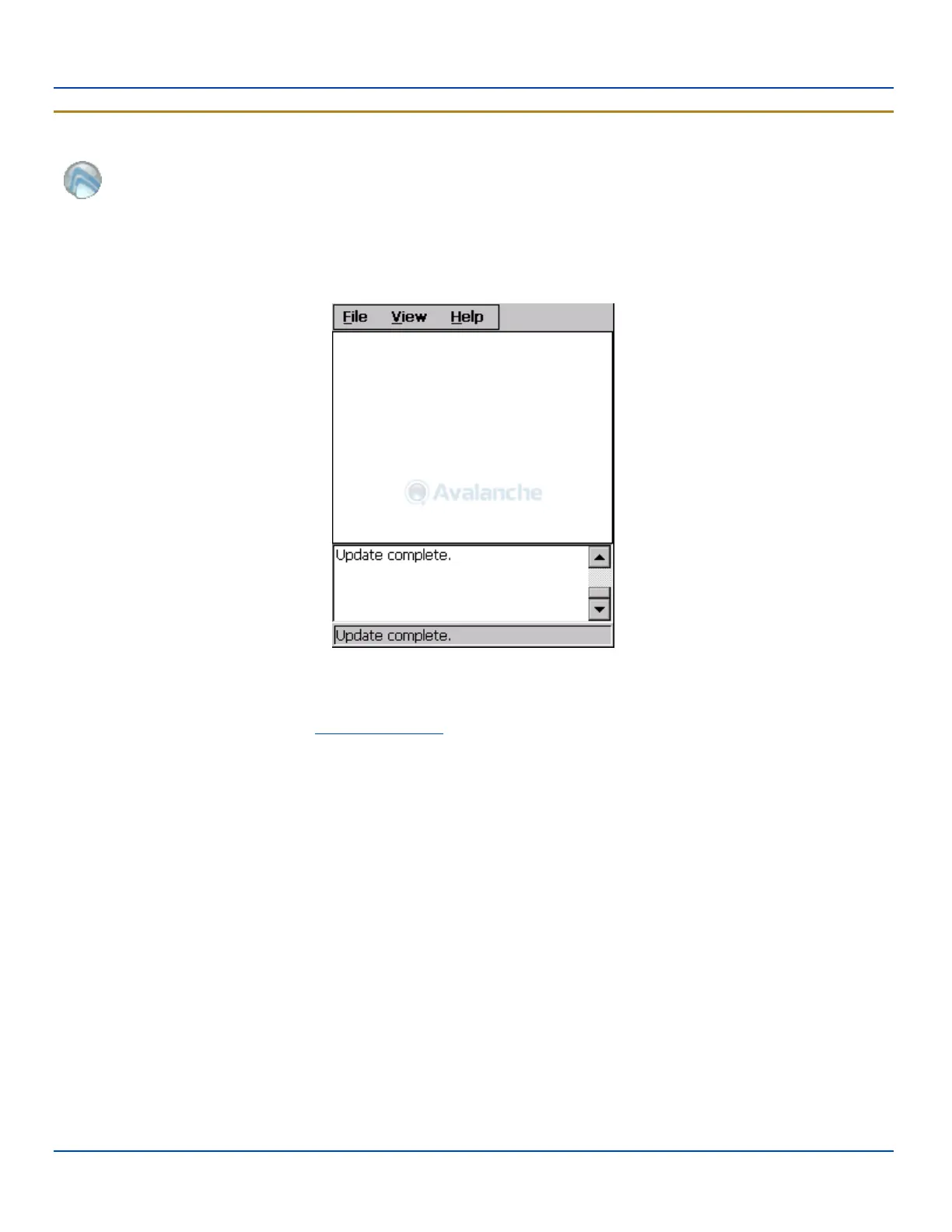
The opening screen presents the MX7 Tecton user with the connection status and a navigation menu.
Avalanche Enabler Opening Screen
Note: Some parameters and features described in this section may not be available if you are not running the latest
version of the Enabler.Contact your LXE representative for upgrades.
E-EQ-MX7WMRG-A [ 227 ] MX7 Tecton™ for Windows Mobile Reference Guide



 To Next Page