WEP
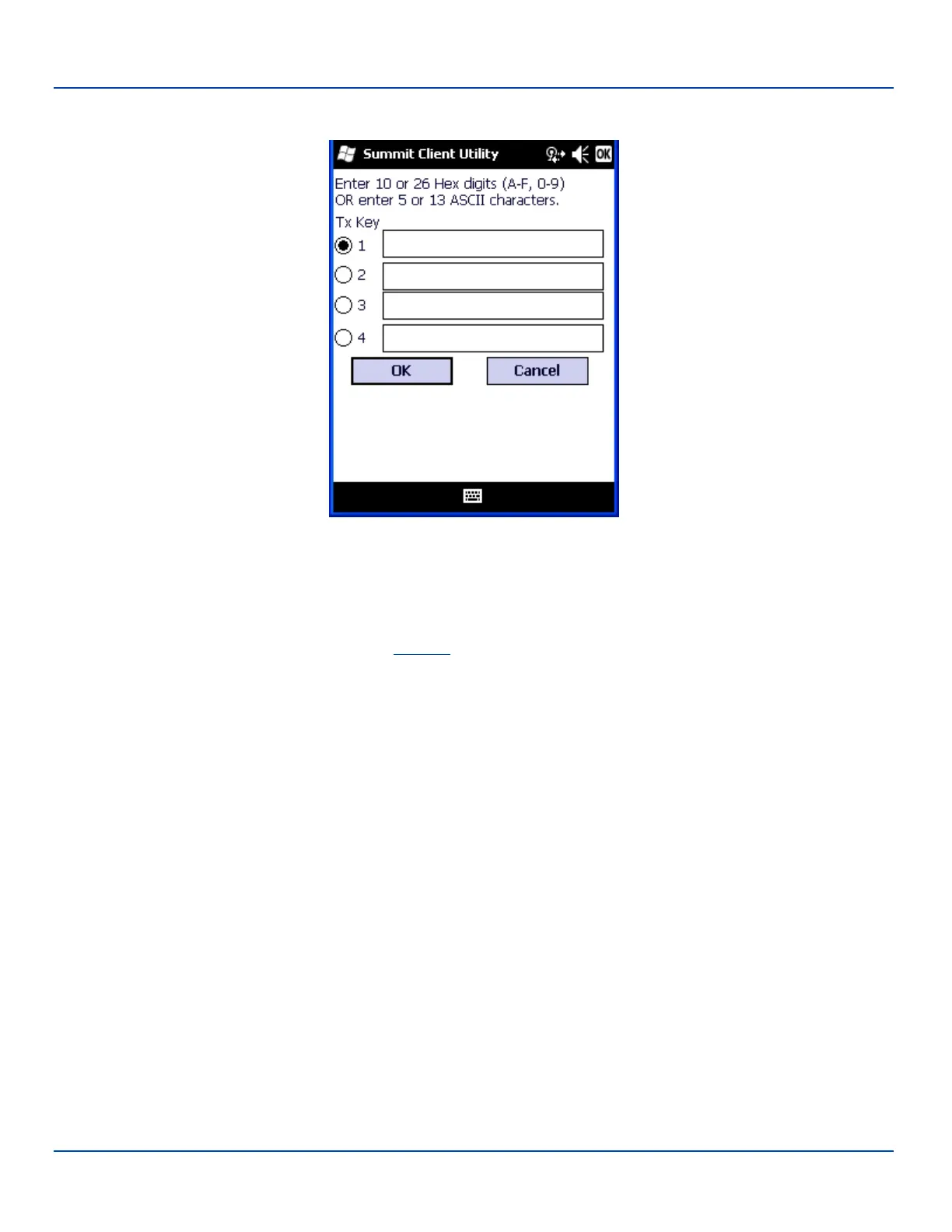
Click the WEP keys/PSKs button.
WEP Keys
Valid keys are 10 hexadecimal or 5 ASCIIcharacters (for 40-bit encryption) or 26 hexadecimal or 13 ASCII characters (for 128-
bit encryption). Enter the key(s) and click OK.
Once configured, click the Commit button.
Ensure the correct Active Profile is selected on the Main tab and perform a Suspend/Resume. The SCU Main tab shows the
device is associated after the radio connects to the network.
E-EQ-MX7WMRG-A [ 273 ] MX7 Tecton™ for Windows Mobile Reference Guide



 To Next Page