Today
Today Settings – Appearance Panel and Items Panel
Use the Appearance panel to assign a theme for the device. The default theme is Windows Mobile Classic Blue. Any user
installed themes are included in the list.
Use the Items panel to select the items to be shown on the Start panel. Calendar must be selected as well as Date if the date
is the only item to be shown on the Start menu.
The Today timeout timer refers to the "return to Today screen" function. When the device is placed in Suspend, and the timer
expires, a return from Suspend displays the Today screen, not the application in focus when the MX7 Tecton was placed in
Suspend. The application in focus, which is running in the background, will need to be selected again.
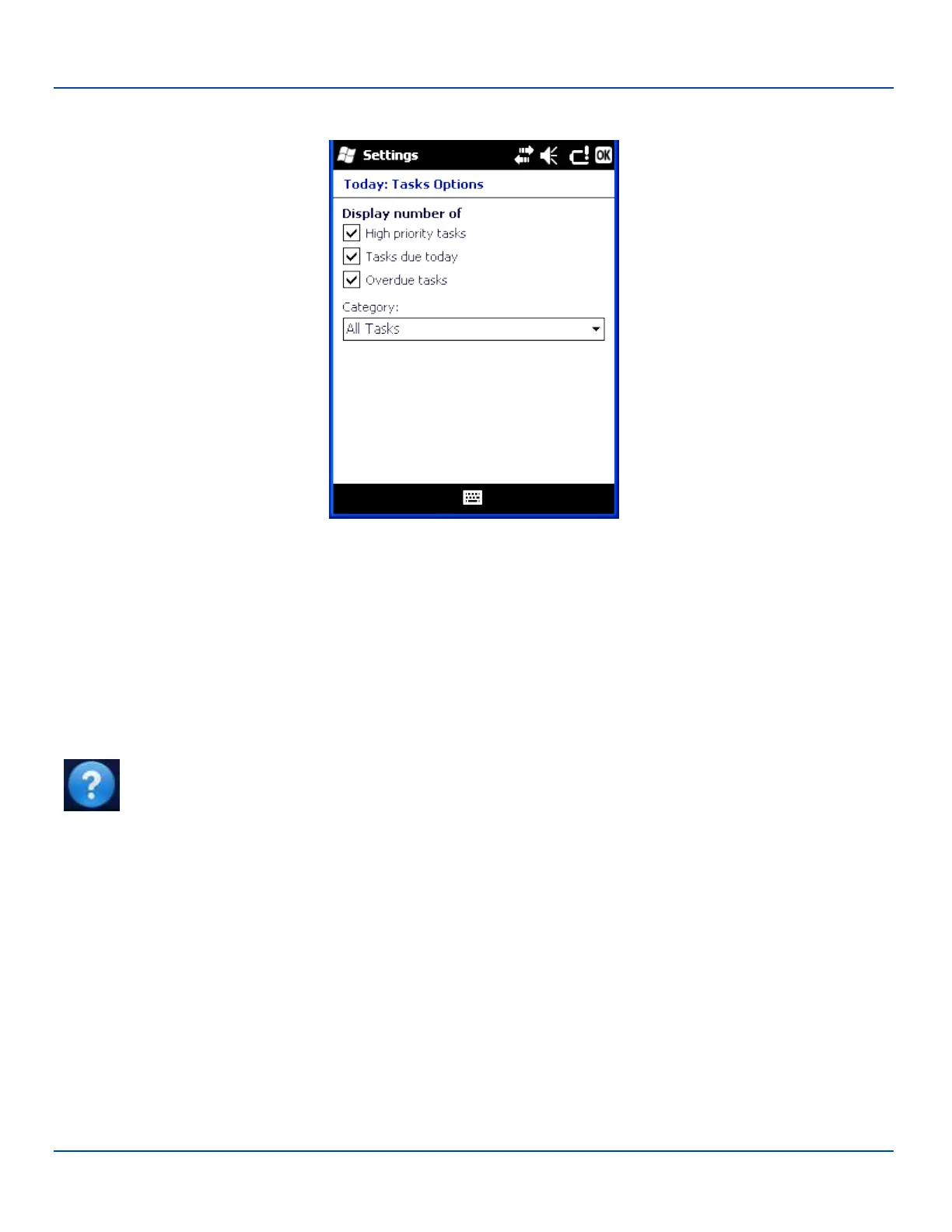
Use Options to set display parameters for highlighted items in the Checked Items list.
Note: Tap Start | Help for context sensitive Windows Mobile Help when changing or viewing options. Tap the
X icon in the top right corner to close Windows Mobile Help.
E-EQ-MX7WMRG-A [ 56 ] MX7 Tecton™ for Windows Mobile Reference Guide



 To Next Page