Discover
Bluetooth Device List
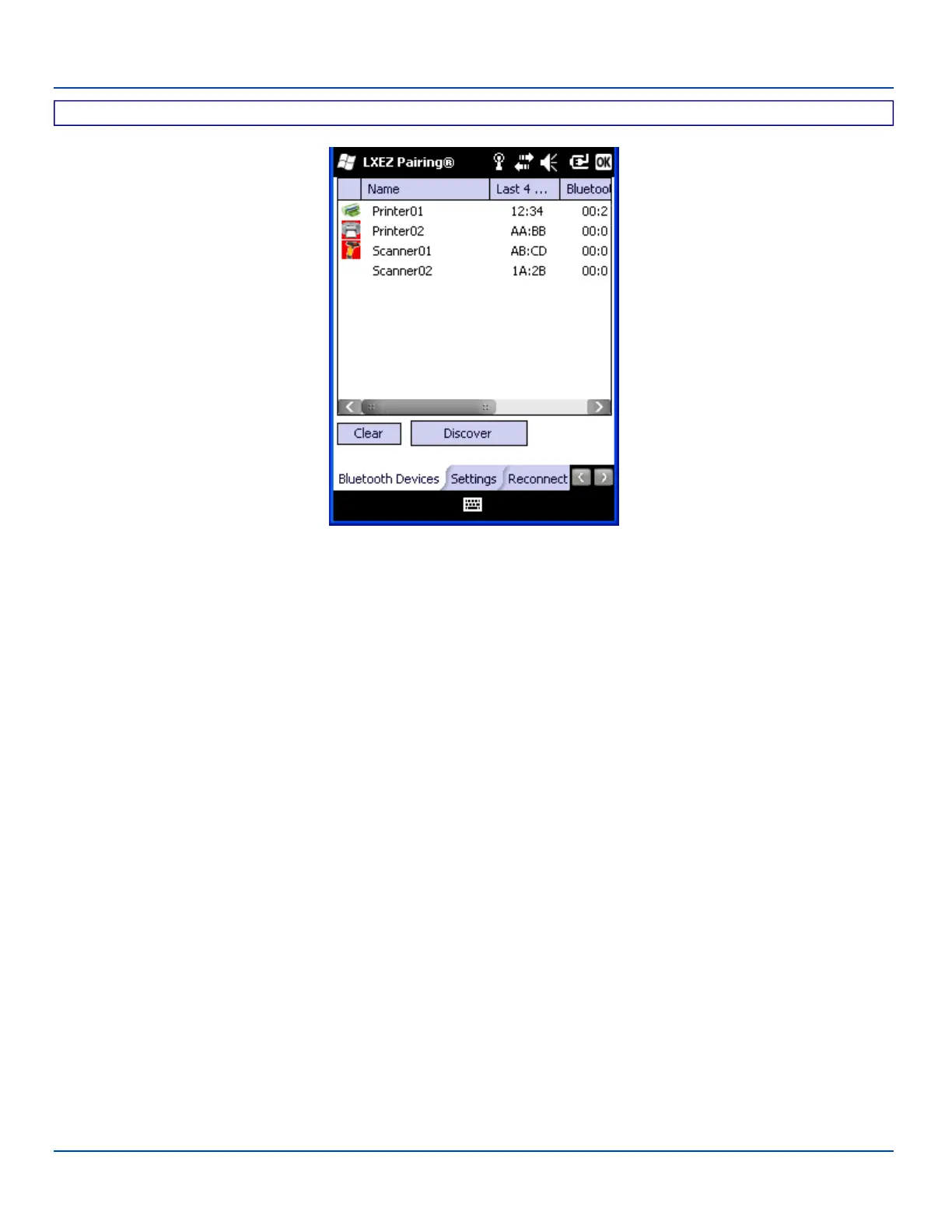
The discovered paired devices may or may not be identified with an icon. Discovered devices without an icon can be paired as
a Serial device, Scanner or a Printer. The Bluetooth panel assigns an icon to the device name.
An icon with a red background indicates the device's Bluetooth connection is inactive.
An icon with a white background indicates the device is connected to the MX7 Tecton and the device's Bluetooth connection is
active.
Double-tap a device in the list to open the device properties menu. The target device does not need to be active.
E-EQ-MX7WMRG-A [ 76 ] MX7 Tecton™ for Windows Mobile Reference Guide



 To Next Page