MASSO
MASSO Documentation
Step 3
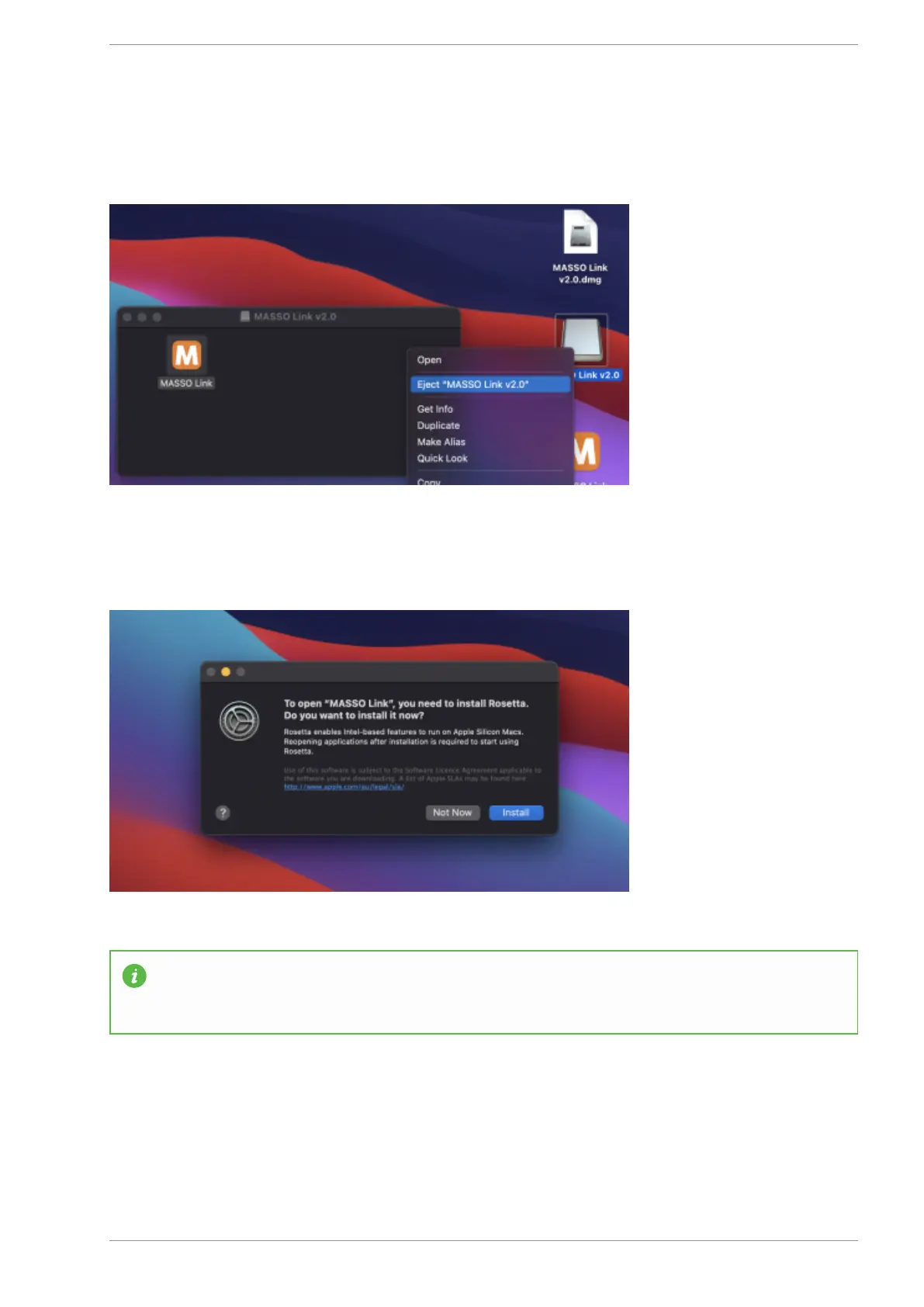
Next right the image file and click Eject. At this stage, the dmg file can also be moved to the bin.
Step 4
Double click the MASSO Link icon.
INFORMATION: If you are using mac with the M1 chip and if Rosetta is not installed on your
system then the above message will be displayed. Click Install to install Rosetta and once done,
double click the MASSO Link icon.
Step 5
v5.18 - 08 Apr,2021
www.masso.com.au Page 112 of 477



 To Next Page