MASSO
MASSO Documentation
5.8. Admin and User Passwords
By default the system password is set to
"HTG" (in capital letters) for both Admin and User logins.
INFORMATION: When the controller is powered up, Caps Key is enabled by default, as of v3.49
for G2 and v4.00 for G3 Caps key is not enabled.
Scan the QR code to watch the MASSO video tutorial on YouTube
Or, Click here to view the video
INFORMATION: If want to lock Masso to prevent unauthorized use, Press CTRL + L and you will
be prompted to re-enter the User and Admin Passwords.
Changing the User or Admin Password
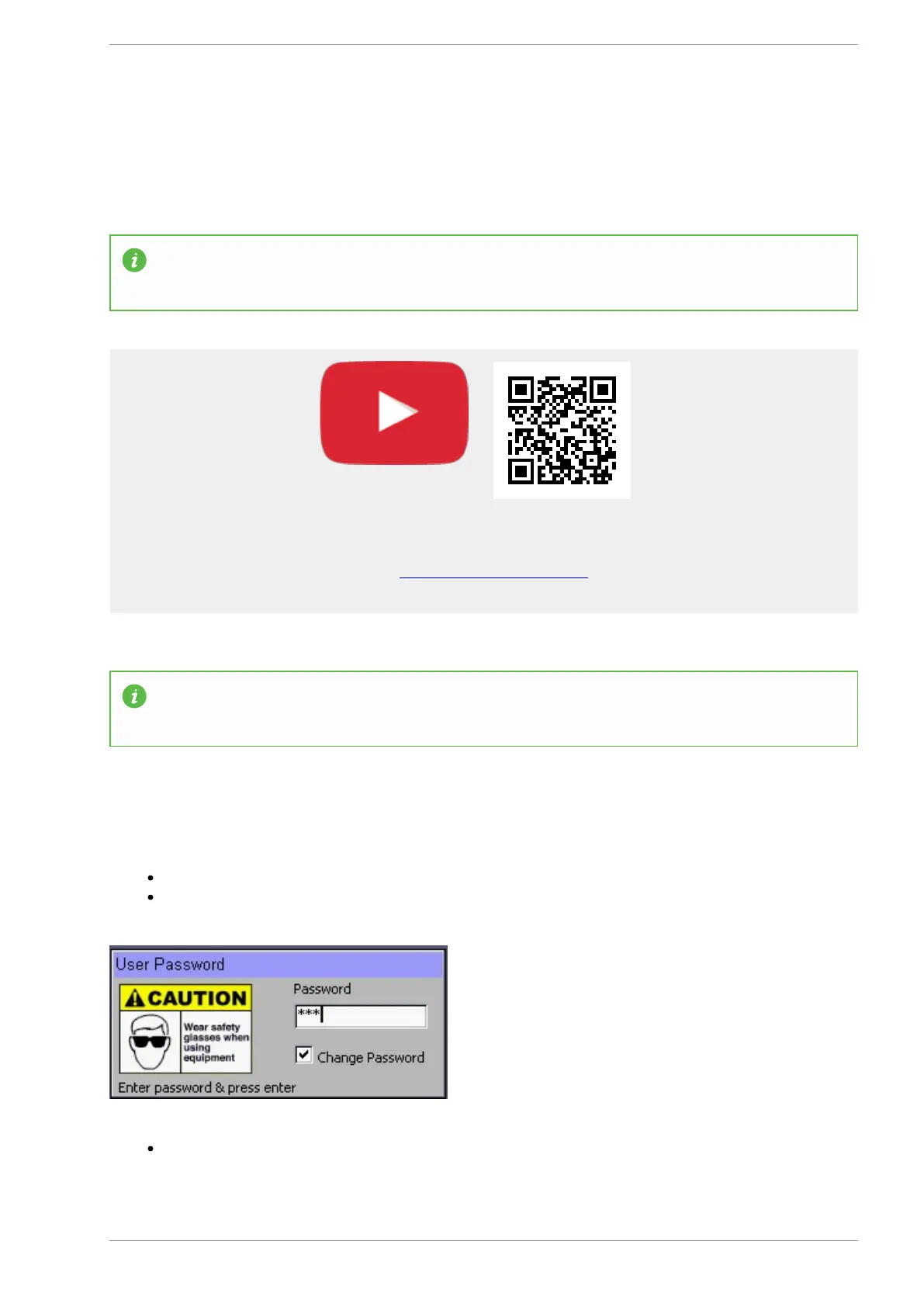
To change the User or Admin password Click on the Change Password in the Login box.
Enter the current Password and press enter. Default Password is "HTG"
Enter the new password up to 5 characters long in the New Password box. (Passwords are case
sensitive)
v5.18 - 08 Apr,2021
www.masso.com.au Page 49 of 477



 To Next Page