MASSO
MASSO Documentation
6.6.6. MDI command
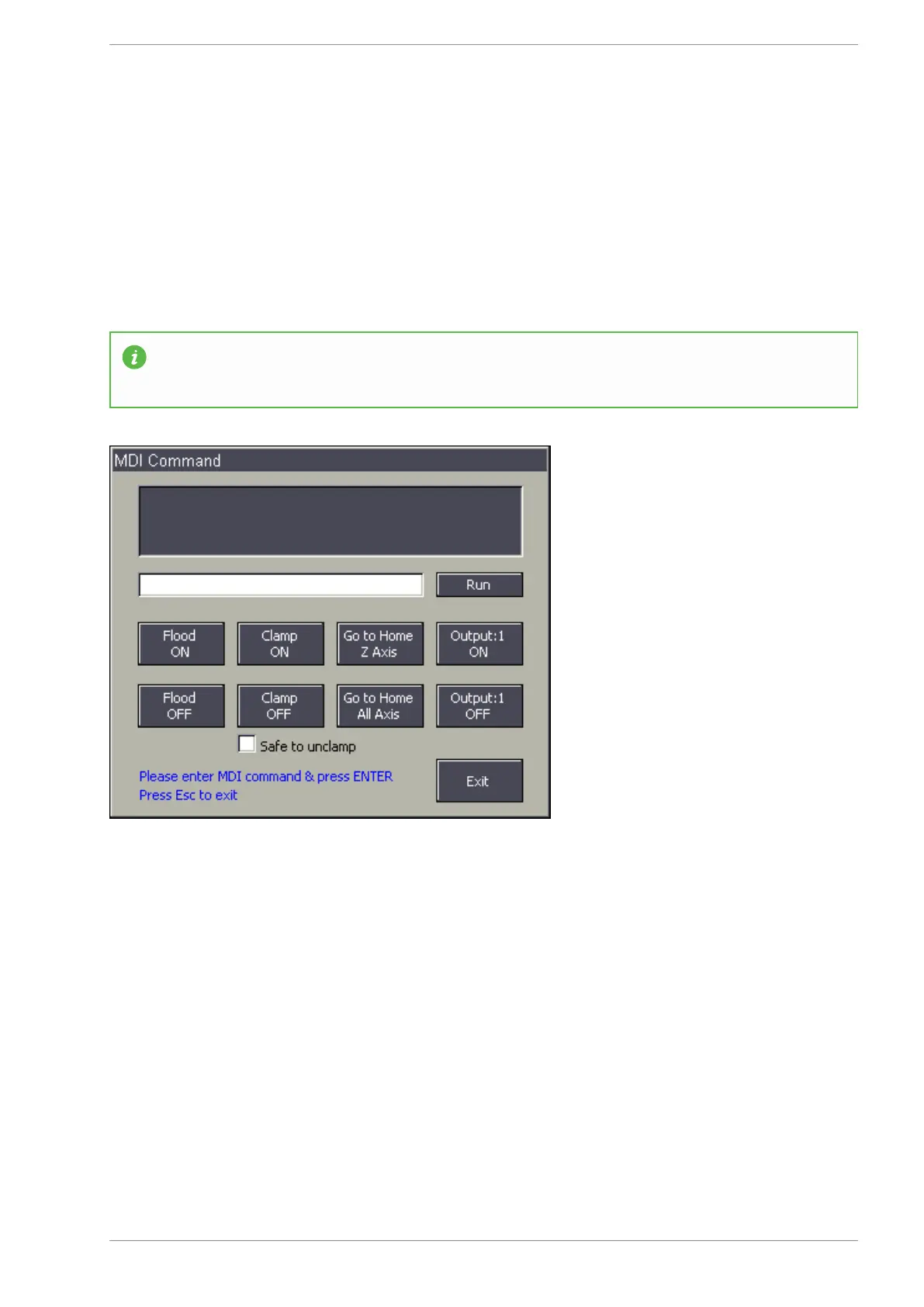
MDI window can be opened from
F2 - Program & MDI screen using CTRL+M or by clicking on the MDI
button towards the bottom left of the screen.
MDI window can be used to quickly run any gcode commands and the on screen buttons can be used to
control outputs or move axis to home position.
INFORMATION: In MASSO G3 the up and down arrow key can be used the select and execute
commands from history. Last 20 commands are saved in memory.
v5.18 - 08 Apr,2021
www.masso.com.au Page 96 of 477



 To Next Page