MASSO
MASSO Documentation
5.4. Connecting a Screen
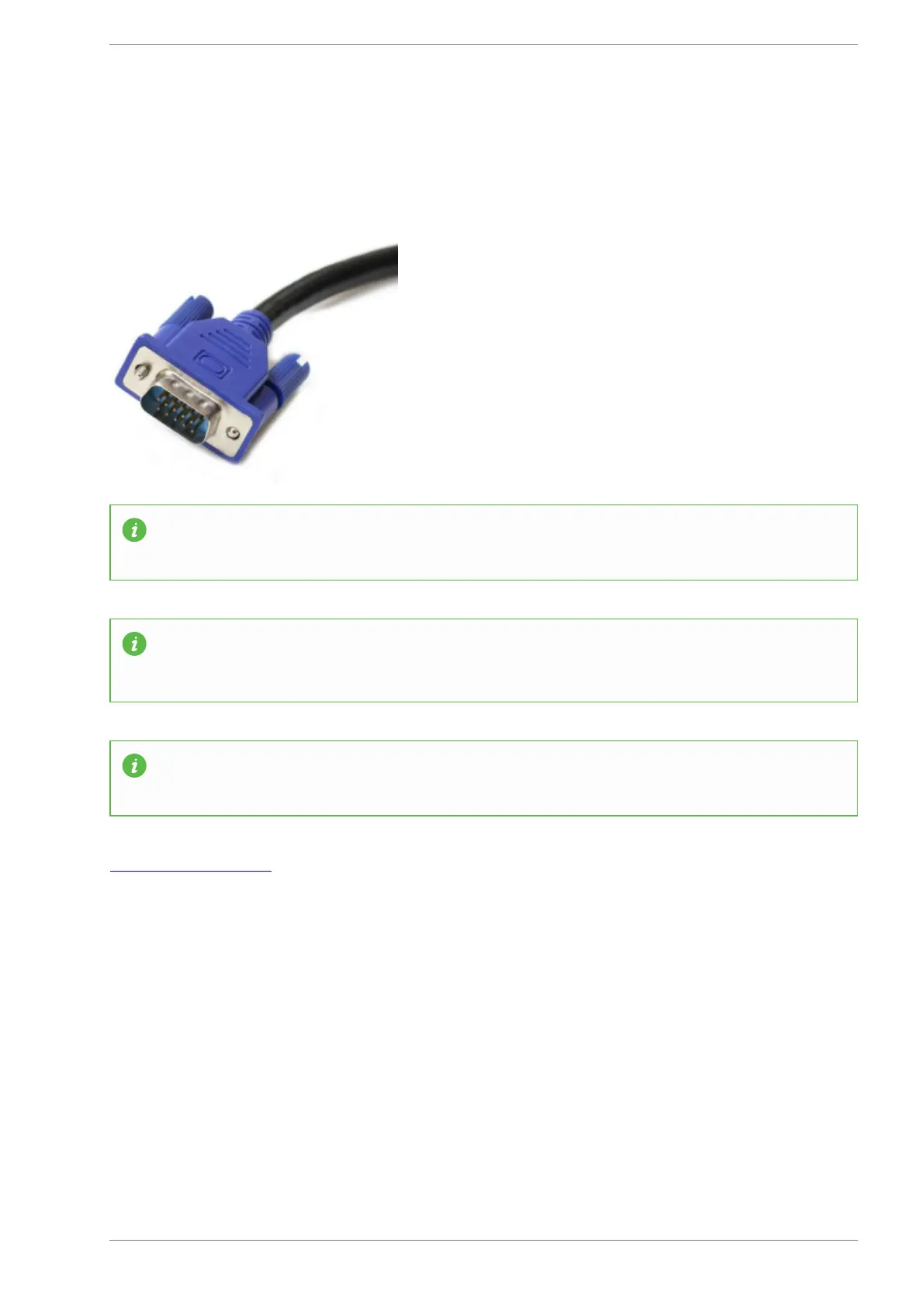
MASSO uses a standard
15 pin female VGA connector (1024 x 768 screen resolution)
INFORMATION: If the monitor only supports HDMI input then a simple VGA to HDMI converter
can be used.
INFORMATION: The display is a 4:3 aspect ratio and will look distorted when displayed as 16:9 on
a widescreen monitor. Monitors have settings to set display ratio, please refer to your monitor's
user manual.
INFORMATION: For information about connecting touch screens, please use the below link.
Touch Screen Interface
v5.18 - 08 Apr,2021
www.masso.com.au Page 43 of 477



 To Next Page