MASSO
MASSO Documentation
11.26. Lubrication
Lubrication
An output can be assigned as lubrication to turn on a pump at set intervals to lubricate your machine.
The output will go High automatically at the specified interval for the specified duration.
Lubrication operates while the program is running and will stop when the machine is idle or in an EStop
condition.
Configuration
In the F1 screen select Lubrication.
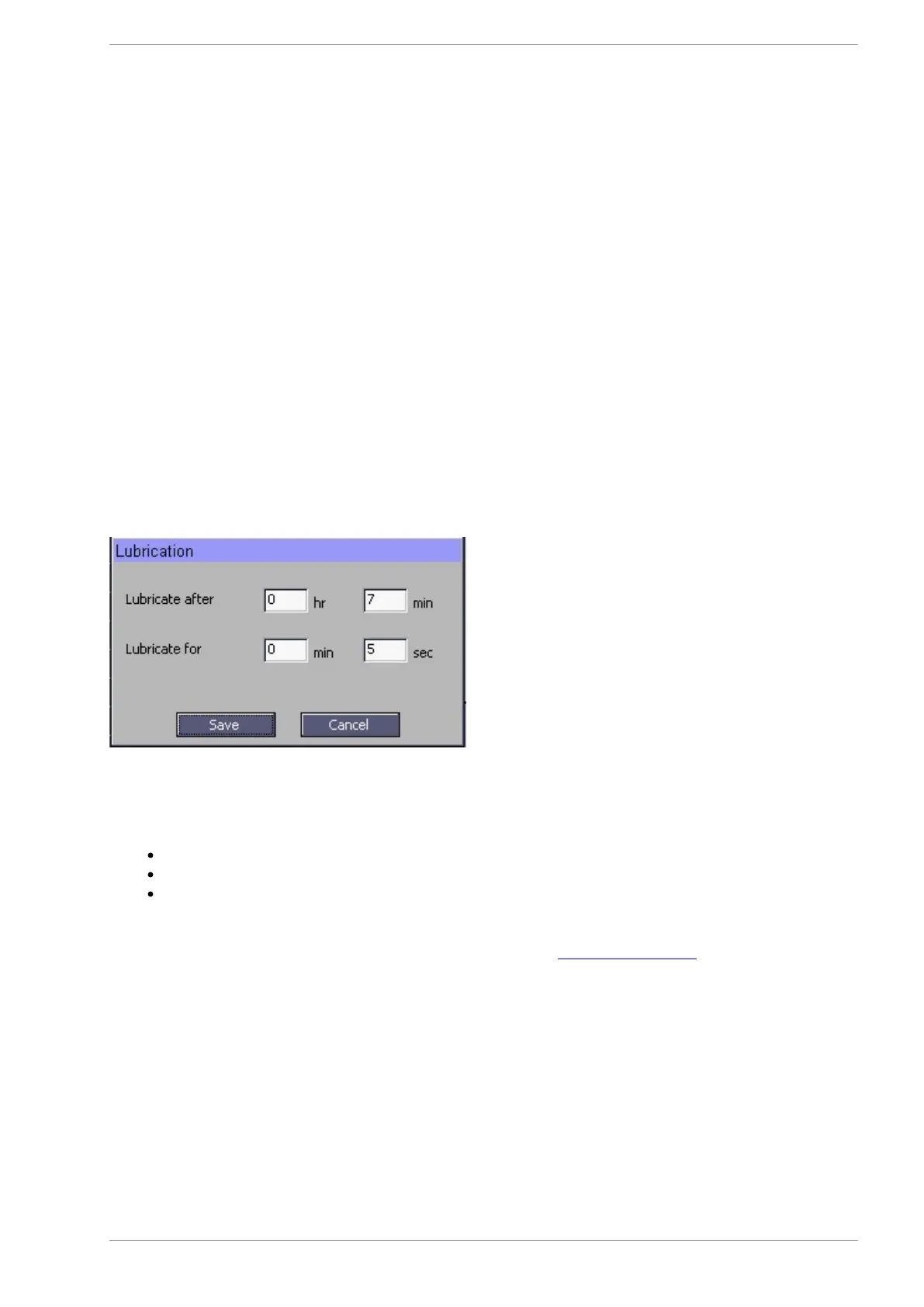
Fill in the Interval and the duration. In this example the output will go high every 7 minutes for 5 seconds.
The lubrication output can be assigned to any of the TTL outputs in the F1 screen.
Select the output you wish to use and double click with your mouse.
Select Lubrication form the list of outputs and double click with your mouse.
Your output is now assigned as lubrication.
Connect your lubrication pump to the TTL output using either the Masso relay module or other suitable
interface module.
Lubricant Low alarm
If you have a lubricant vessel that has an alarm output you can connect it to Masso and a Lubrication alarm
will display on Masso.
Top up your lubricant vessel and the alarm will automatically clear.
v5.18 - 08 Apr,2021
www.masso.com.au Page 371 of 477



 To Next Page