MASSO
MASSO Documentation
11.20. Installing or Replacing Backup Battery
An internal backup battery is required for the controller to work properly.
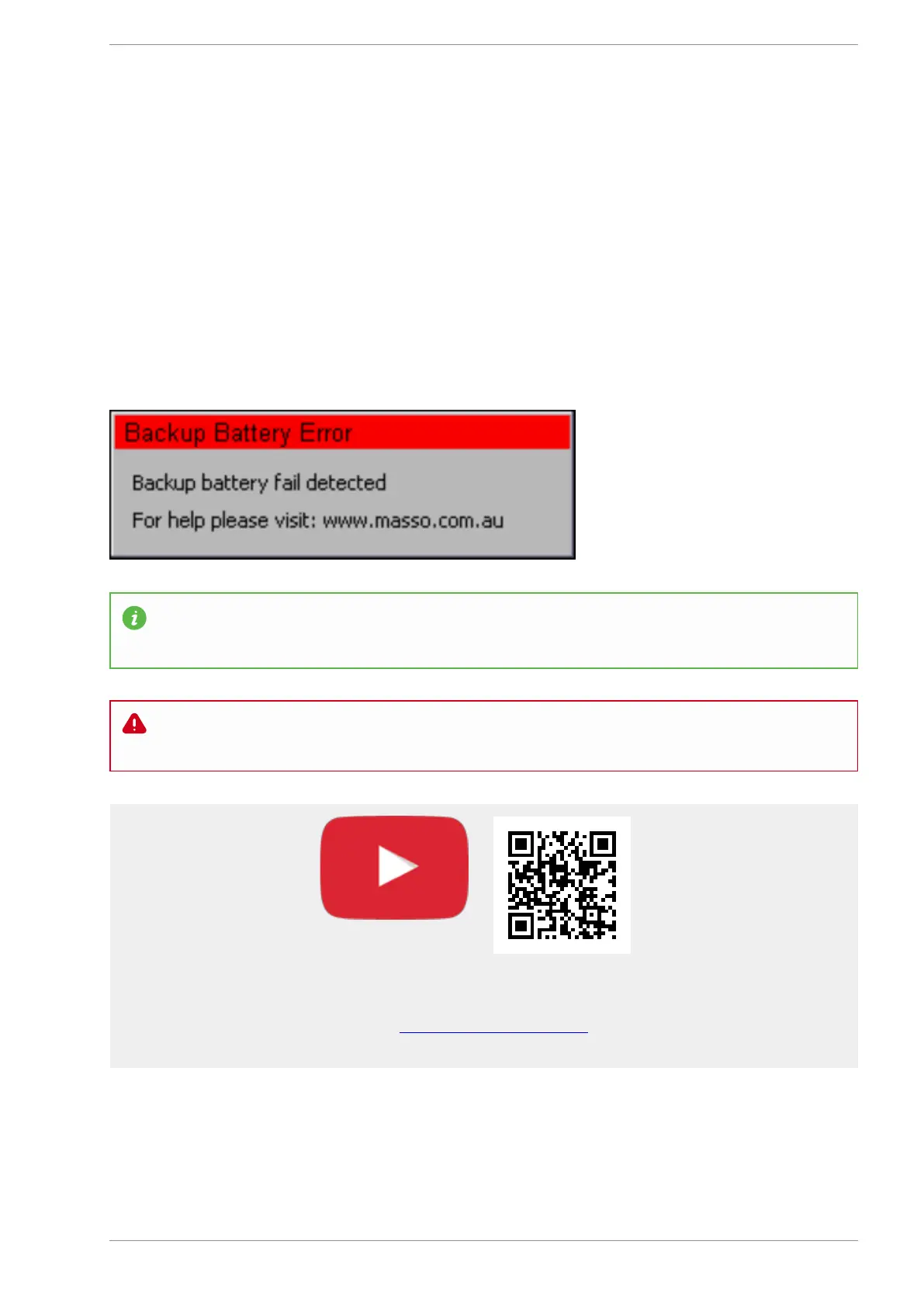
If the controller's battery is not installed or the battery fails and needs to be reinstalled then the below
message will be displayed when the controller is powered up.
After installing a new battery, power on the unit and you will still see the same error message, next power off
the controller and power back on after 5-10 seconds and the message will be automatically removed once
the battery is detected by the controller.
INFORMATION: Backup battery (model CR2032) is required for the controller to function properly
and MUST be installed in the unit before use.
WARNING: After changing the battery make sure the controller is showing the correct loaded tool
number as the loaded tool number will be reset to 0 after replacing the battery.
Scan the QR code to watch the MASSO video tutorial on YouTube
Or, Click here to view the video
v5.18 - 08 Apr,2021
www.masso.com.au Page 350 of 477



 To Next Page