MASSO
MASSO Documentation
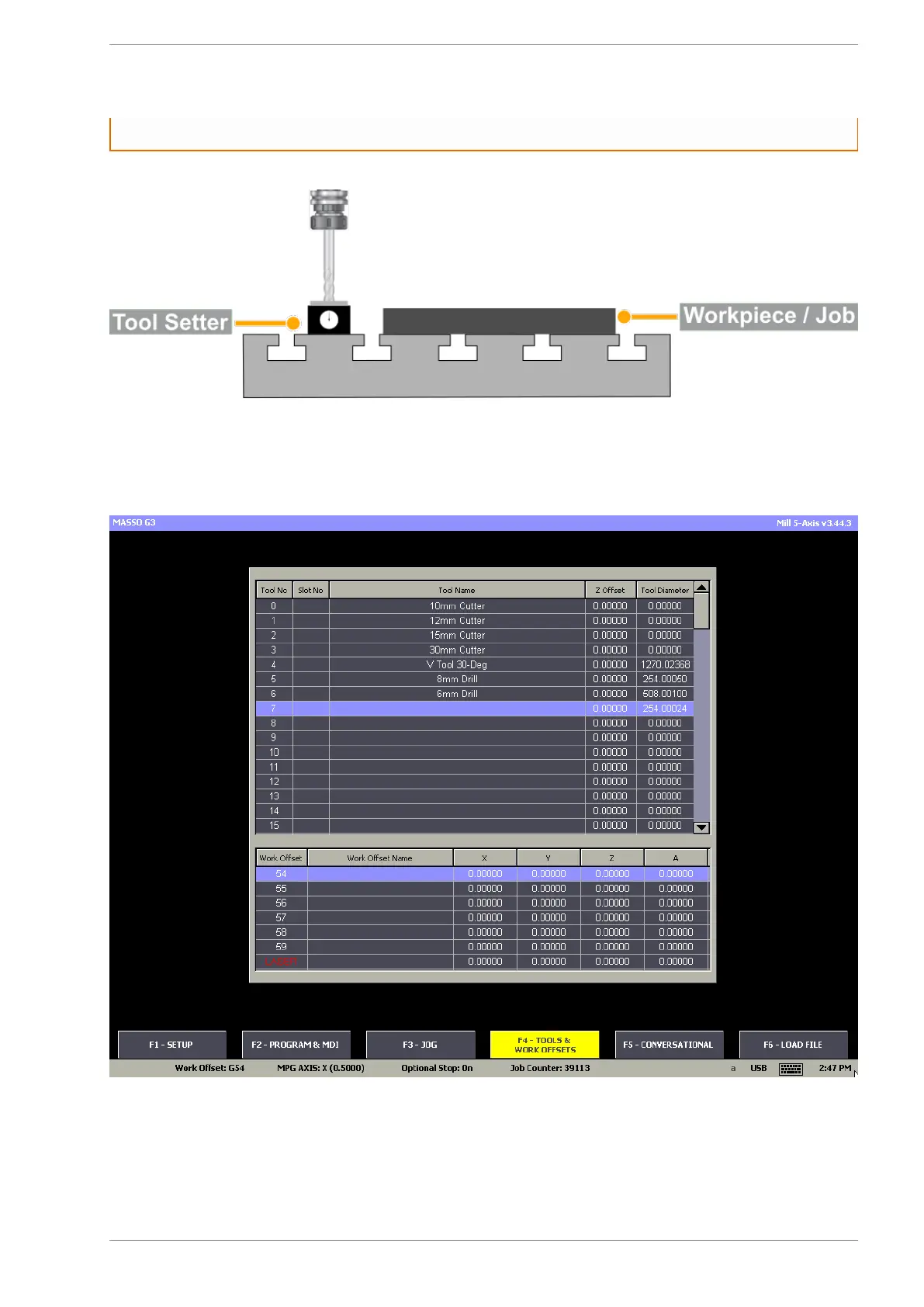
Step 3: On MASSO go to the F4-Tools screen and select the tool number you would like to assign to this
tool. Now press the enter key to open the Edit Tool window.
Step 4: In the Edit Tool window give a tool name as per your requirement. Next move the click the Zero
button to automatically calibrate the tool, MASSO will calculate the tool height and automatically fill the Z
Offset value. Now the tool diameter can be entered if required and press Save button to save and complete
the calibration process.
v5.18 - 08 Apr,2021
www.masso.com.au Page 128 of 477



 To Next Page