MASSO
MASSO Documentation
Parking Commands
G30
CTRL + ALT + P
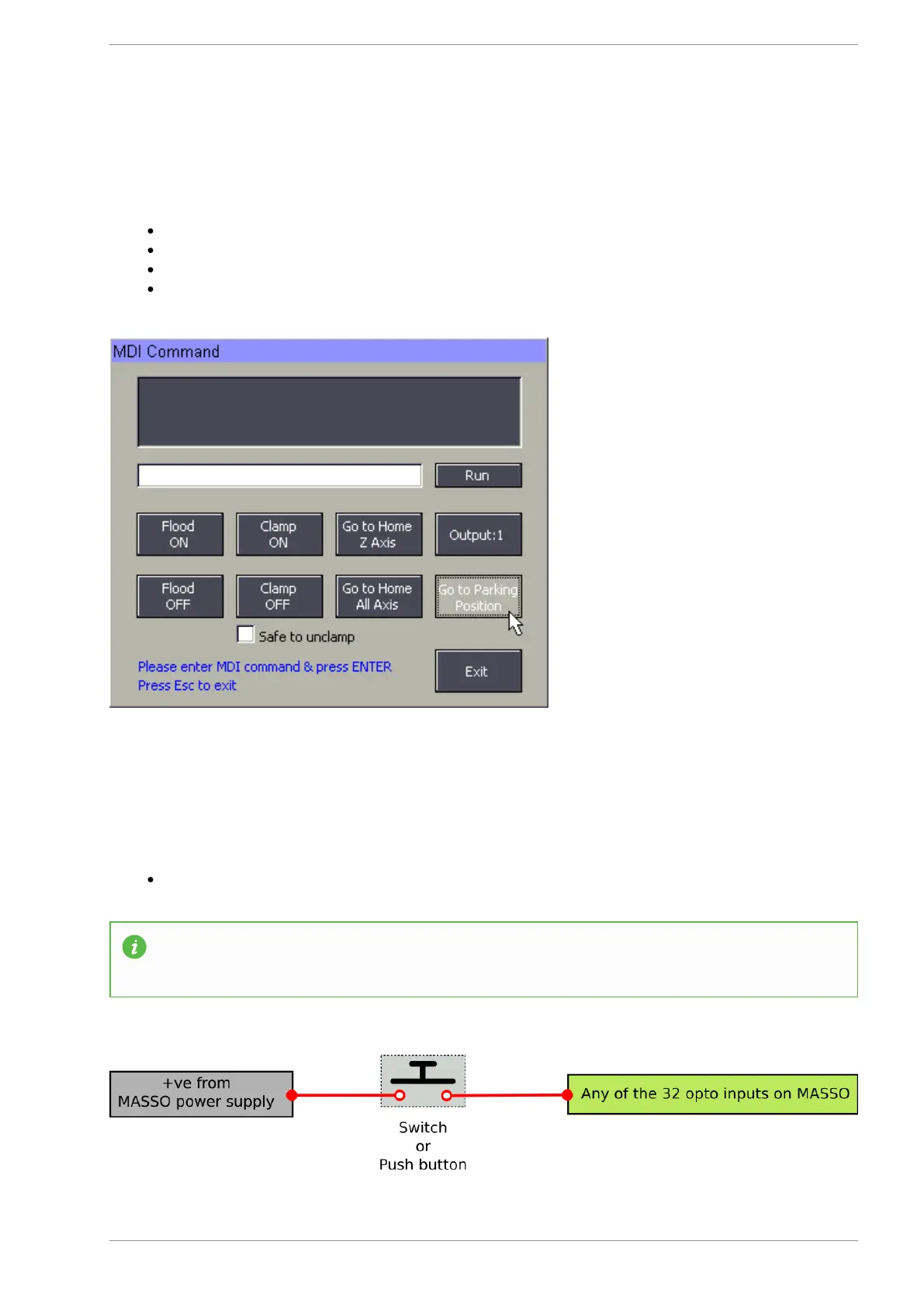
Click the Go to Parking Position button in the MDI Screen
Go to Parking Position Button
Go to Parking Position Button
Configure an input as a Go to Parking Position Input
Hold the button for 1 second to activate the feature.
v5.18 - 08 Apr,2021
www.masso.com.au Page 211 of 477



 To Next Page