MASSO
MASSO Documentation
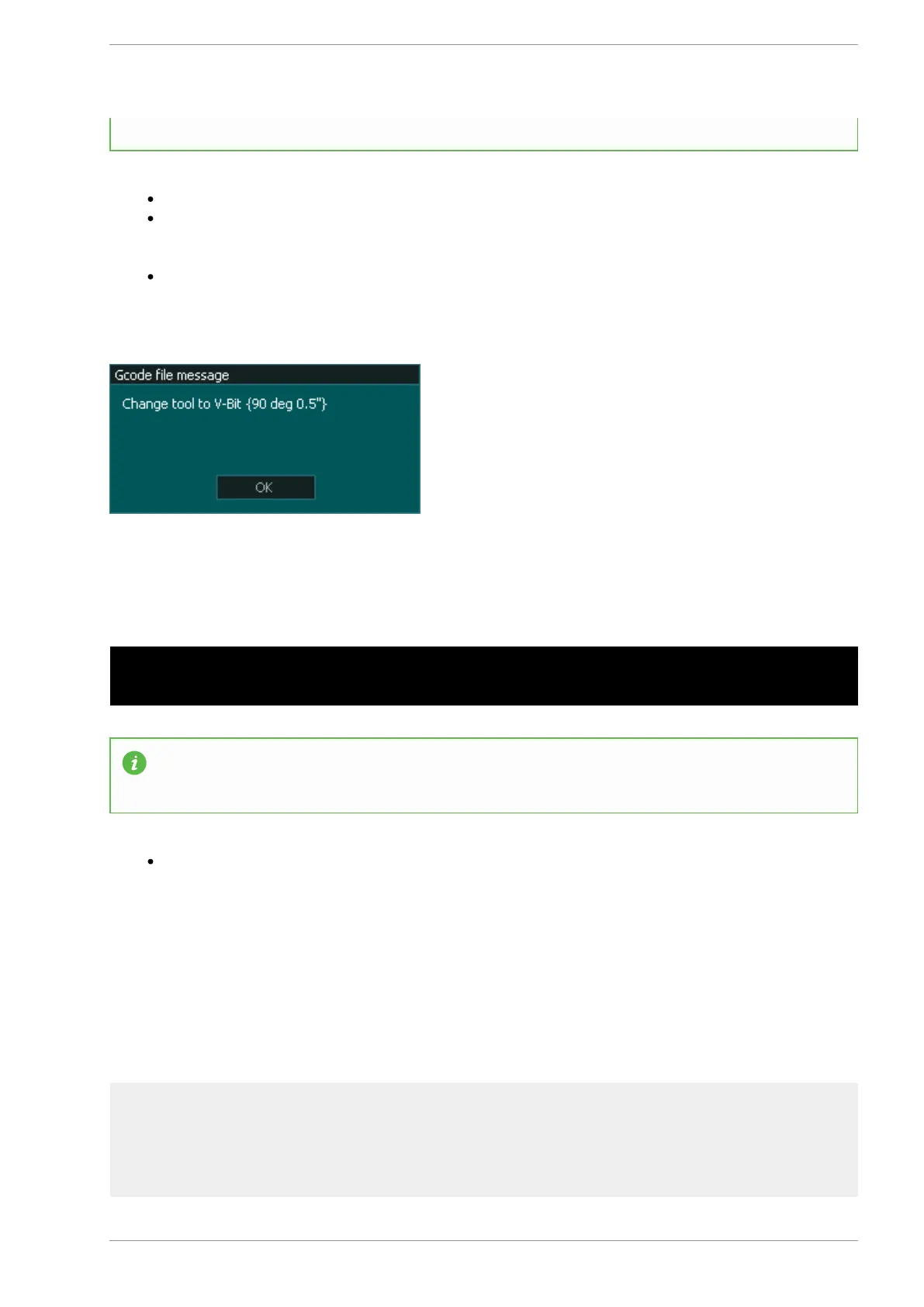
read the message before proceeding if required.
Messages can be written into the post processor to automatically add this type of message.
The M01 in the example will stop the machine until the Cycle Start is pressed allowing the used time
to read the message when they are ready. There is no need to press OK in this instance because it
will immediately be overwritten by the system tool change message.
If Optional Stop CTRL+O is turned off then the machine will not stop and the user will not see the
message as it will immediately be overwritten by the System message to Change tool
Example program to display multiple messages on the screen
N10 MSG READ DIAL FOR BACKLASH MEASUREMENT N20 G04 P3000 N30 MSG ENTER THIS
VALUE INTO MASSO BACKLASH N40 G04 P3000 N50 MSG TEST COMPLETE
INFORMATION: Messages can be used with G04 Pauses to display messages in a timed
sequence.
In some applications it may be desirable to provide instructions in a timed sequence. Using a G04
pause between messages will allow them to be displayed after the time had expired with the new
message overwriting the previous one.
The video clip below shows an example of using the MASSO MSG
gcode to create a backlash test sequence with instructions for the tester
to carry out at each step of the process.
v5.18 - 08 Apr,2021
www.masso.com.au Page 233 of 477



 To Next Page