MASSO
MASSO Documentation
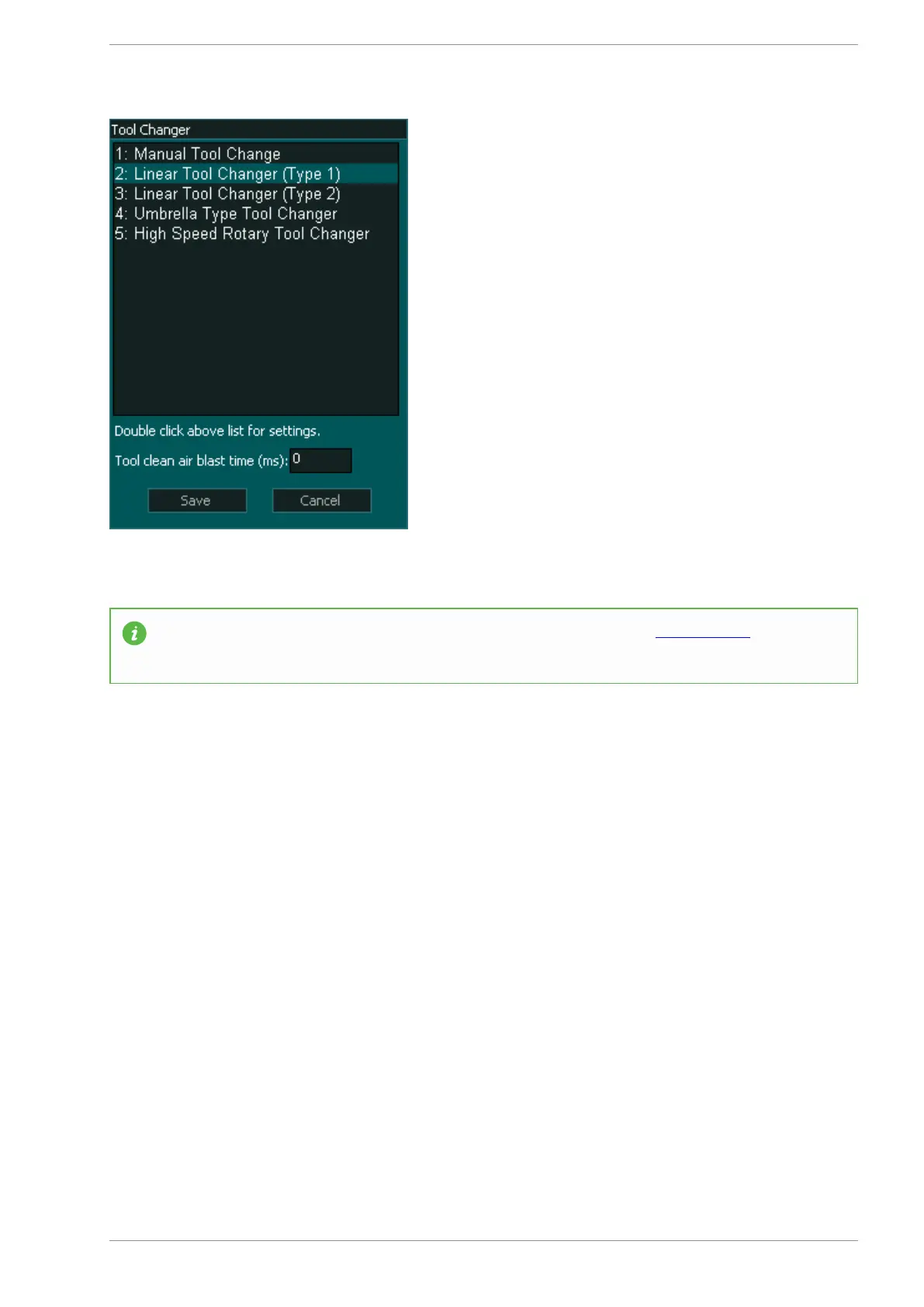
Setting up the tool changer logic
INFORMATION: To set up the tool changer logic please see this page: CLICK HERE
Tool Changer Inputs and Outputs
INPUTS
1. Tool Changer - Input 1 for Spindle draw bar Status (Low for clamped and High for un-clamped)
2. Tool Changer - Input 2 for Dust Hood UP OK signal
3. Tool Changer - Input 3 for Dust Hood DOWN OK signal
4. Tool Changer - Input 4 for Tools Tray UP OK signal
5. Tool Changer - Input 5 for Tools Tray DOWN OK signal
OUTPUTS
1. Chuck Clamp M10/M11 for spindle drawbar clamp and un-clamp (Low to clamp and High to un-
clamp)
2. Tool Changer - Output 1 to move Dust Hood UP
3. Tool Changer - Output 2 to move Dust Hood DOWN
4. Tool Changer - Output 3 to move Tools Tray UP
5. Tool Changer - Output 4 to move ToolsTray DOWN
v5.18 - 08 Apr,2021
www.masso.com.au Page 405 of 477



 To Next Page