MASSO
MASSO Documentation
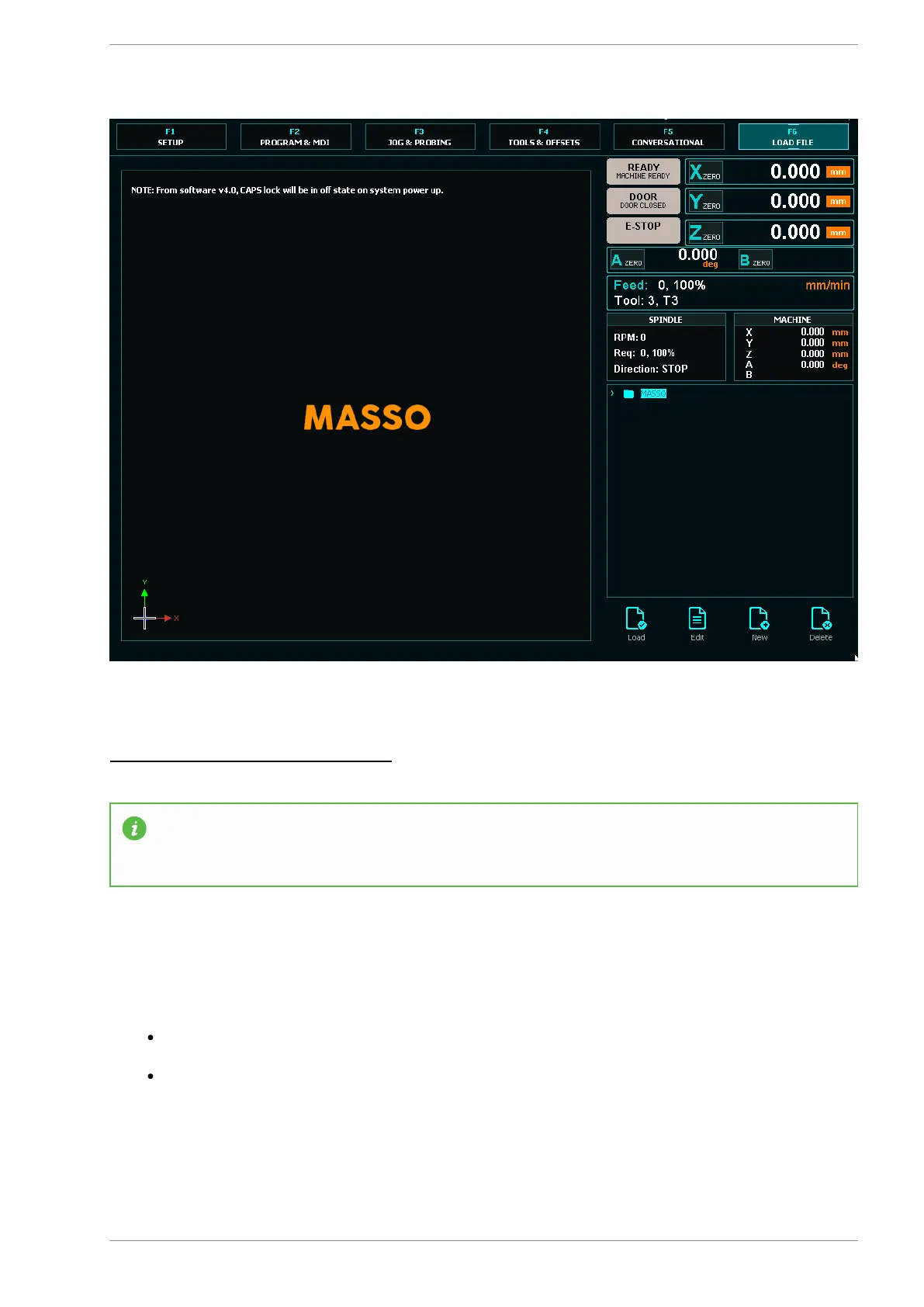
Vertical Touch Screen Format
INFORMATION: The Vertical interface is primarily designed for MASSO touch though can be used
with any G3 with a suitable touchscreen monitor. It includes an on screen keyboard which is
permanently dispalyed.
F1 Screen
This screen allows you to configure your Masso settings.
When you enter this screen you will be prompted for the Admin Password. Default Password is
"HTG"
If you do not enter the password you will enter read only mode where you will not be able to make
changes. Use CTRL+L if you want to reenter the password.
v5.18 - 08 Apr,2021
www.masso.com.au Page 73 of 477



 To Next Page