VJ-1604 Maintenance Manual 4 Parts Replacement
4-155 Rev.-05
4.13.3 Removing Take-up Cover
Lower the release lever to the FREE side before removing the take-up cover.
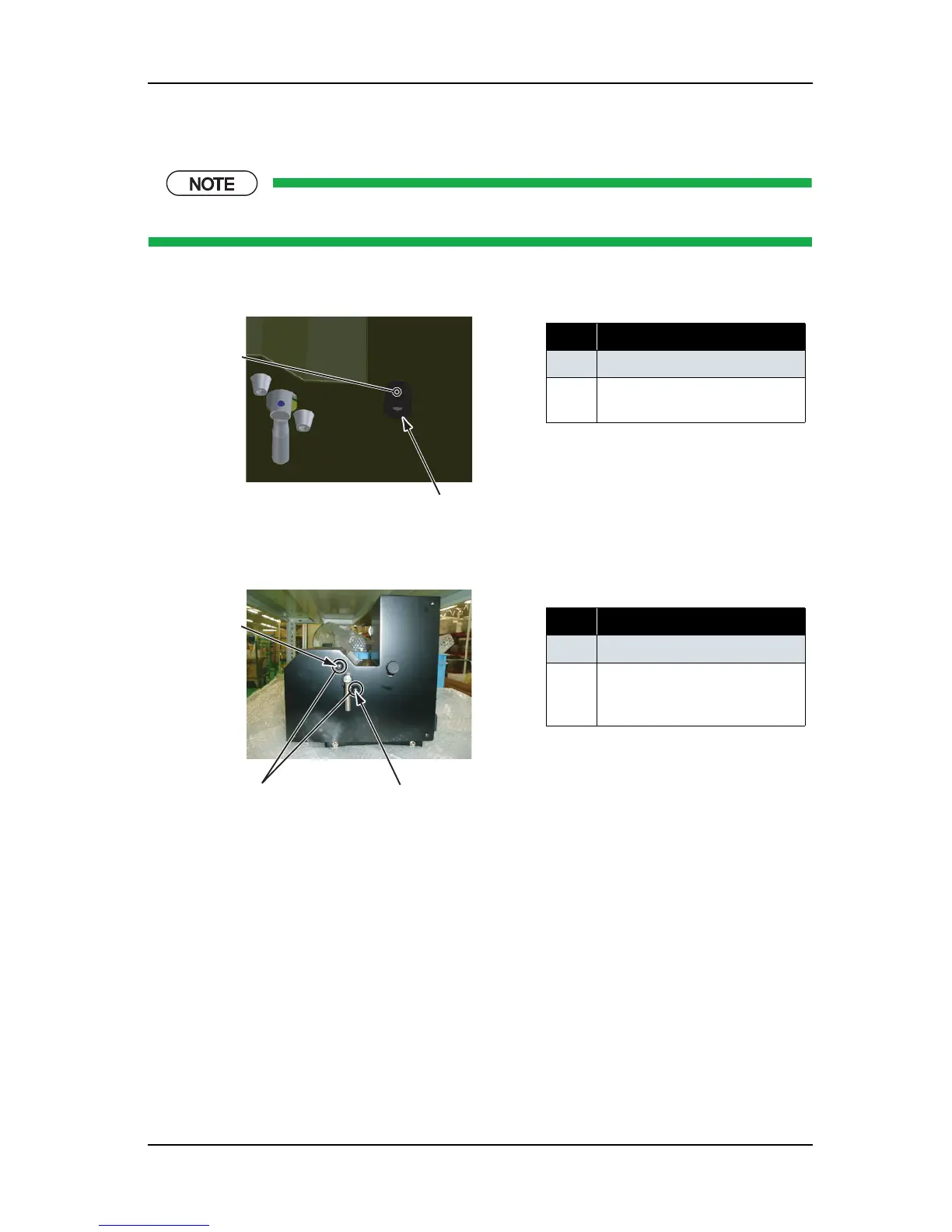
1. Remove the screw (set screw: 1 piece) that retains the knob.
2. Remove the screws (pan-head machine screw M3
× 8: 2 pieces) that retain the rubber foot.
No. Part name
1 Knob
2 Screw that retain the knob (set
screw)
No. Part name
1
Rubber foot
2 Screws that retain the rubber
foot (Pan-head machine screw
M3
× 8)
1
2
1
1
2















 To Next Page