VJ-1604 Maintenance Manual 4 Parts Replacement
4-41 Rev.-05
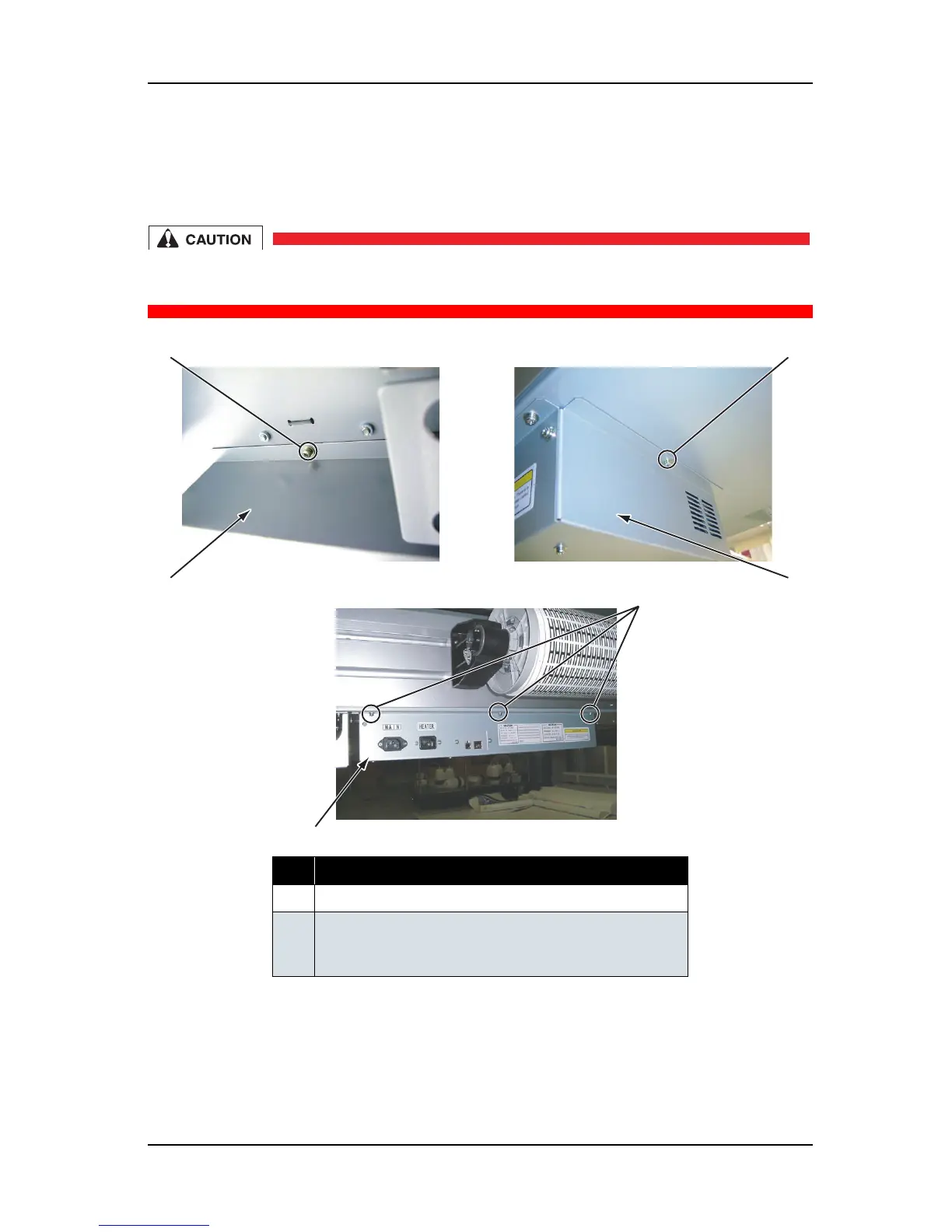
4.4.1 Opening Board Box 64
1. Remove the AC inlet cables (2 pieces), and the other cables (LAN, USB).
2. Remove the screws (5 pieces) that retain the board box 64.
If you remove the screws that retain the board box 64, the box opens downwards because
of it's weight. Remove the last screw while holding the box by hand, or you may be injured.
3. Open the board box 64 downwards.
4. To close the unit, reverse the opening procedure.
No. Part name
1 Board box 64
2 Screws that retain the board box 64
(pan-head screw with spring washer and flat washer M4
×
8)
2
1
1
2
Left view
Right view
Rear view
1
2















 To Next Page