VJ-1604 Maintenance Manual 5 Self-Diagnosis Mode
5-33 Rev.-05
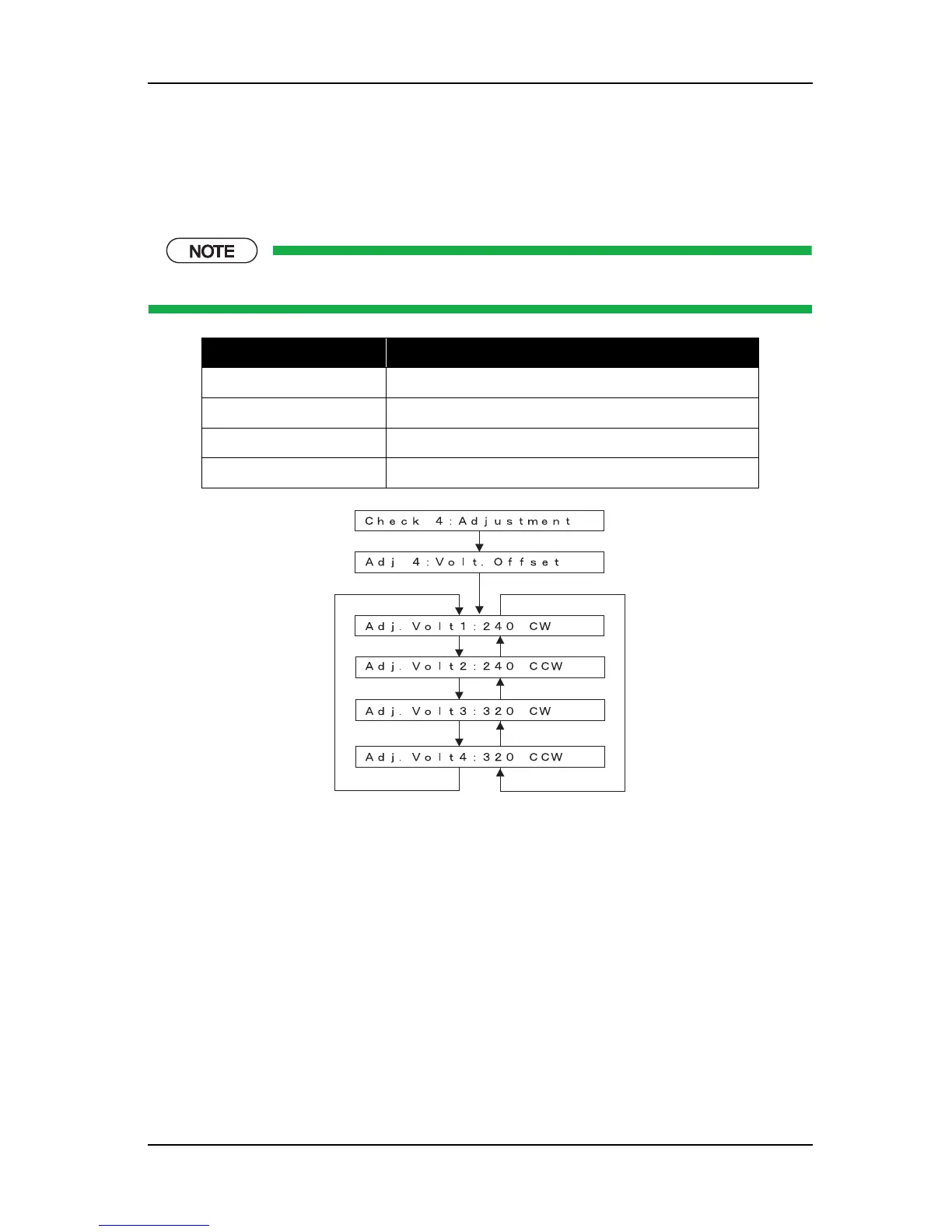
5.7.4 Voltage Adjustment
This menu is used to adjust the voltage of VSD 3 small dot so that the print position will be corrected.
Check the small dot is on the center of the middle dots in the CR direction.
When adjusting, change the voltage up to ±5V (0.1V increment) considering the current voltage as a basis.
The initial value is set to values that are suited for the manufacturer genuine ink.
Items Contents
240 CW Adjusts the VSD 3-S at 240 cps / CW printing.
240 CCW Adjusts the VSD 3-S at 240 cps / CCW printing.
320 CW Adjusts the VSD 3-S at 320 cps / CW printing.
320 CCW Adjusts the VSD 3-S at 320 cps / CCW printing.
[<] key
[>] key
[<] key
[>] key
[<] key
[>] key
[>] key
[Enter]
[Enter]















 To Next Page